
A question about engine condition being %58
-
I finally took my first flight in the Caravan last night in MSFS 2024. from KJAC to KBOI lasting 2:38. approx. 358nm. I flew very carefully keeping all the instruments with in the green.
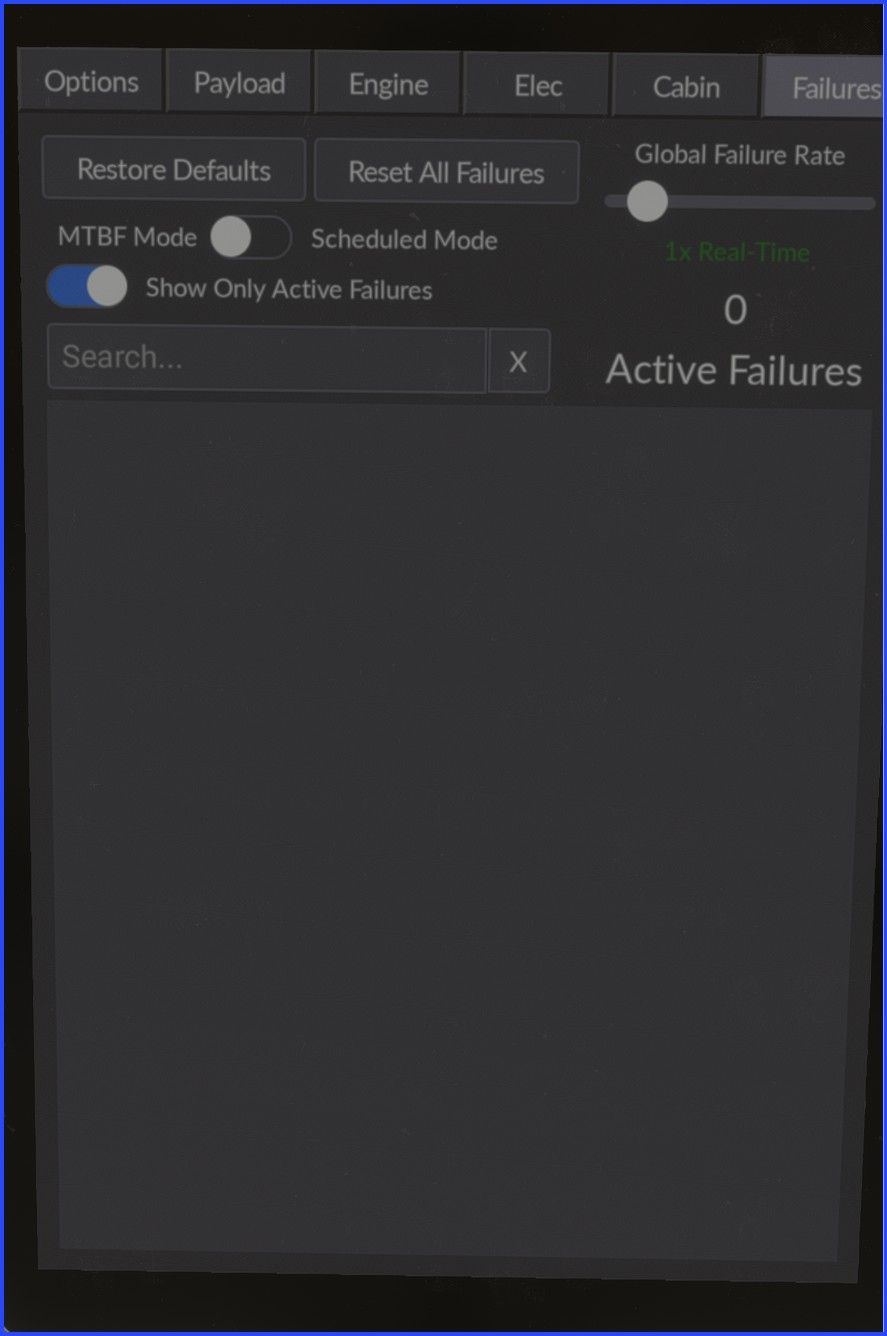
However this morning when I checked the engine condition is show %58. And I don't know why. There is no sign of a problem that I can identify in the EFB. There are no active failures. How can I better monitor & manage the engine condition?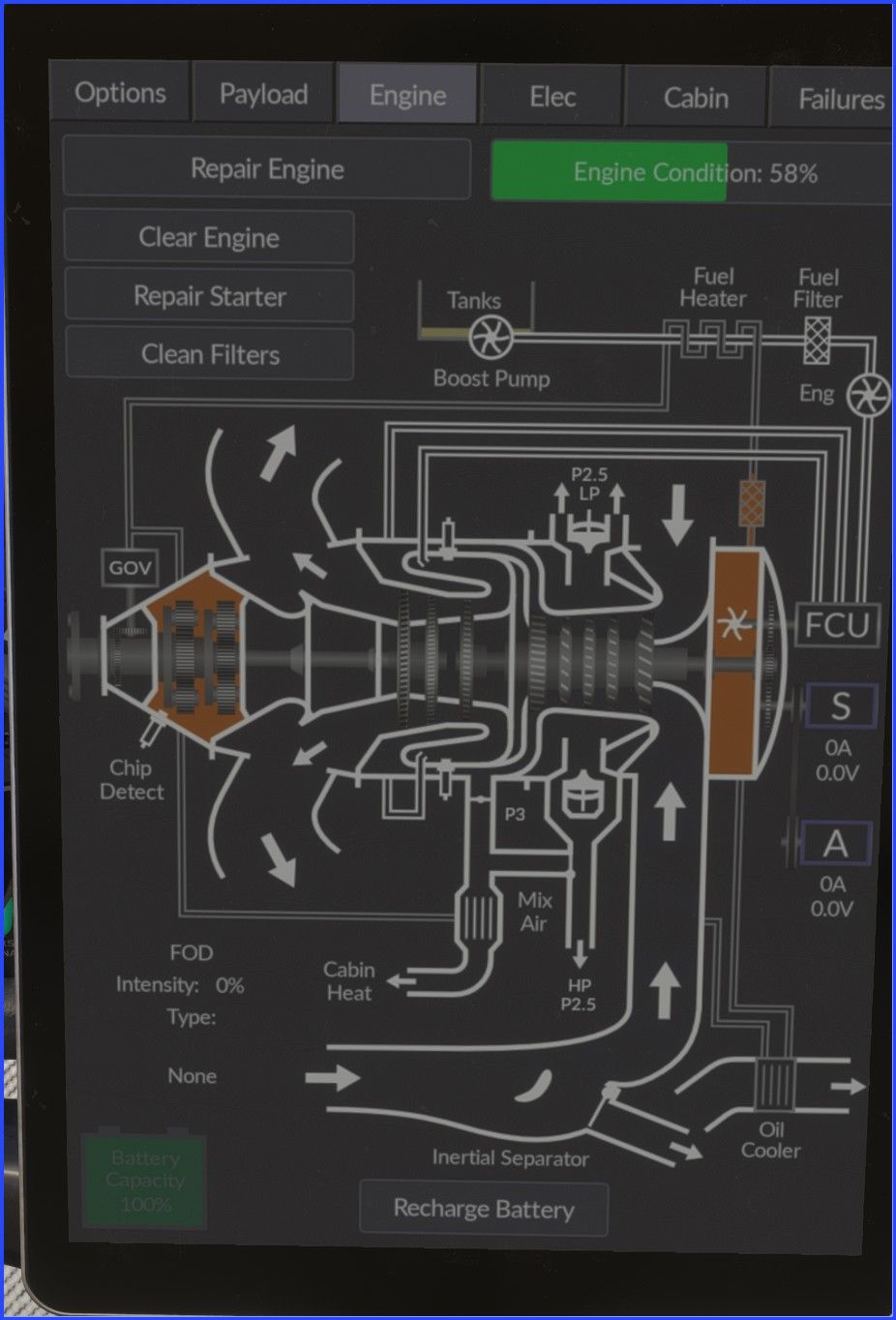
-
Unfortunately, the Caravan doesn't have an engine monitor that would alert you to any exceedances, but you can obviously watch the engine condition on the tablet (or the weather radar, if you feel like the tablet is cheating), and try to figure out what's causing it. You're welcome also to send me a screenshot from cruise and I will try to help you diagnose.
Thanks for the reply. I will take a screenshot the next time I fly.
Hello! It looks like you're interested in this conversation, but you don't have an account yet.
Getting fed up of having to scroll through the same posts each visit? When you register for an account, you'll always come back to exactly where you were before, and choose to be notified of new replies (either via email, or push notification). You'll also be able to save bookmarks and upvote posts to show your appreciation to other community members.
With your input, this post could be even better 💗
Register Login