Skip to content
  • Categories
  • Recent
  • Tags
  • Popular
  • Users
Collapse
Just Flight Community Forum
  1. Home
  2. Just Flight
  3. MSFS Products
  4. Black Square Add-Ons
  5. Caravan Professional
  6. A question about engine condition being %58

A question about engine condition being %58

Scheduled Pinned Locked Moved Caravan Professional
3 Posts 2 Posters 48 Views 1 Watching
  • Oldest to Newest
  • Newest to Oldest
  • Most Votes
Reply
  • Reply as topic
Log in to reply
This topic has been deleted. Only users with topic management privileges can see it.
  • T Offline
    T Offline
    TJ Turner
    wrote last edited by TJ Turner
    #1

    I finally took my first flight in the Caravan last night in MSFS 2024. from KJAC to KBOI lasting 2:38. approx. 358nm. I flew very carefully keeping all the instruments with in the green.
    However this morning when I checked the engine condition is show %58. And I don't know why. There is no sign of a problem that I can identify in the EFB. There are no active failures. How can I better monitor & manage the engine condition?
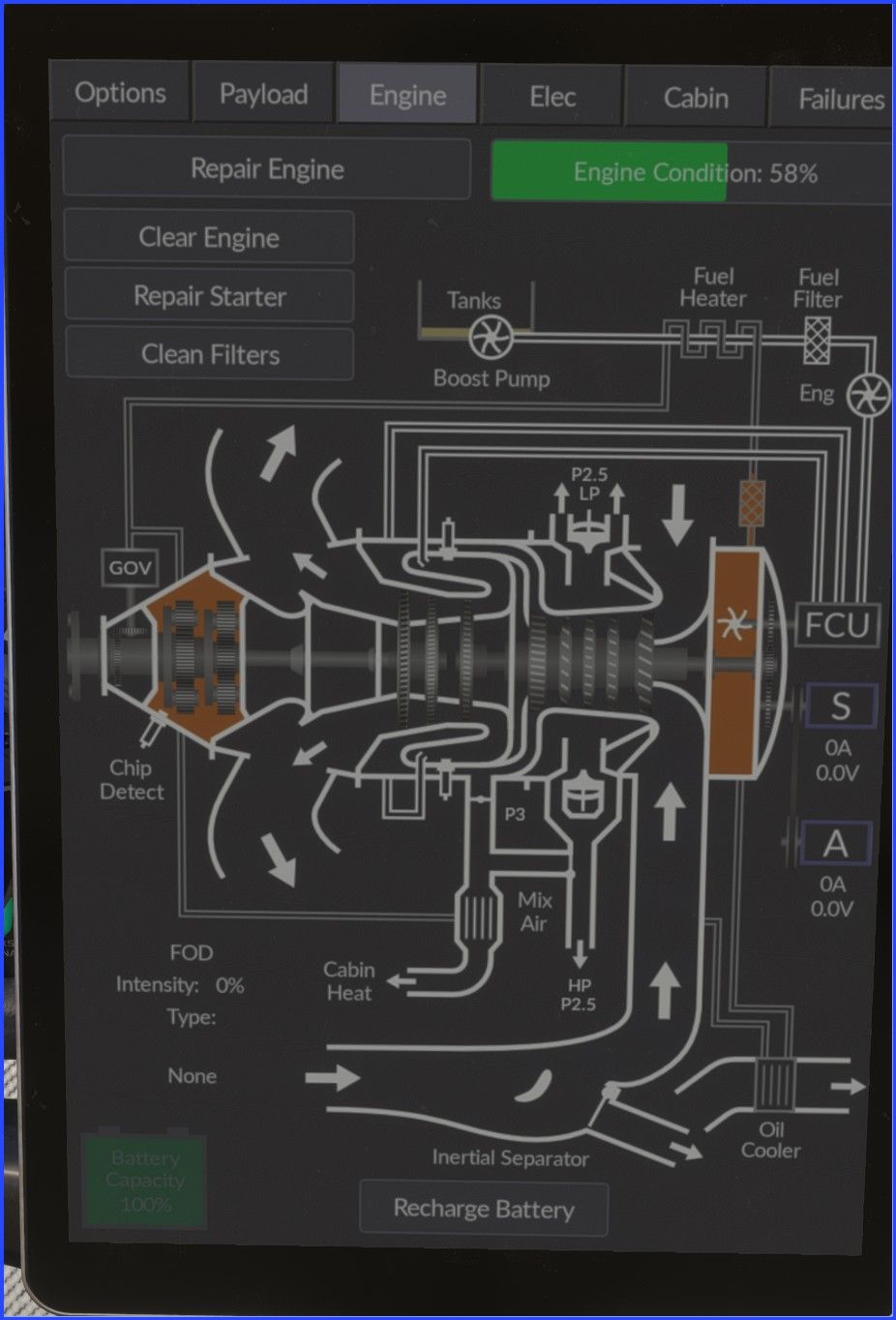
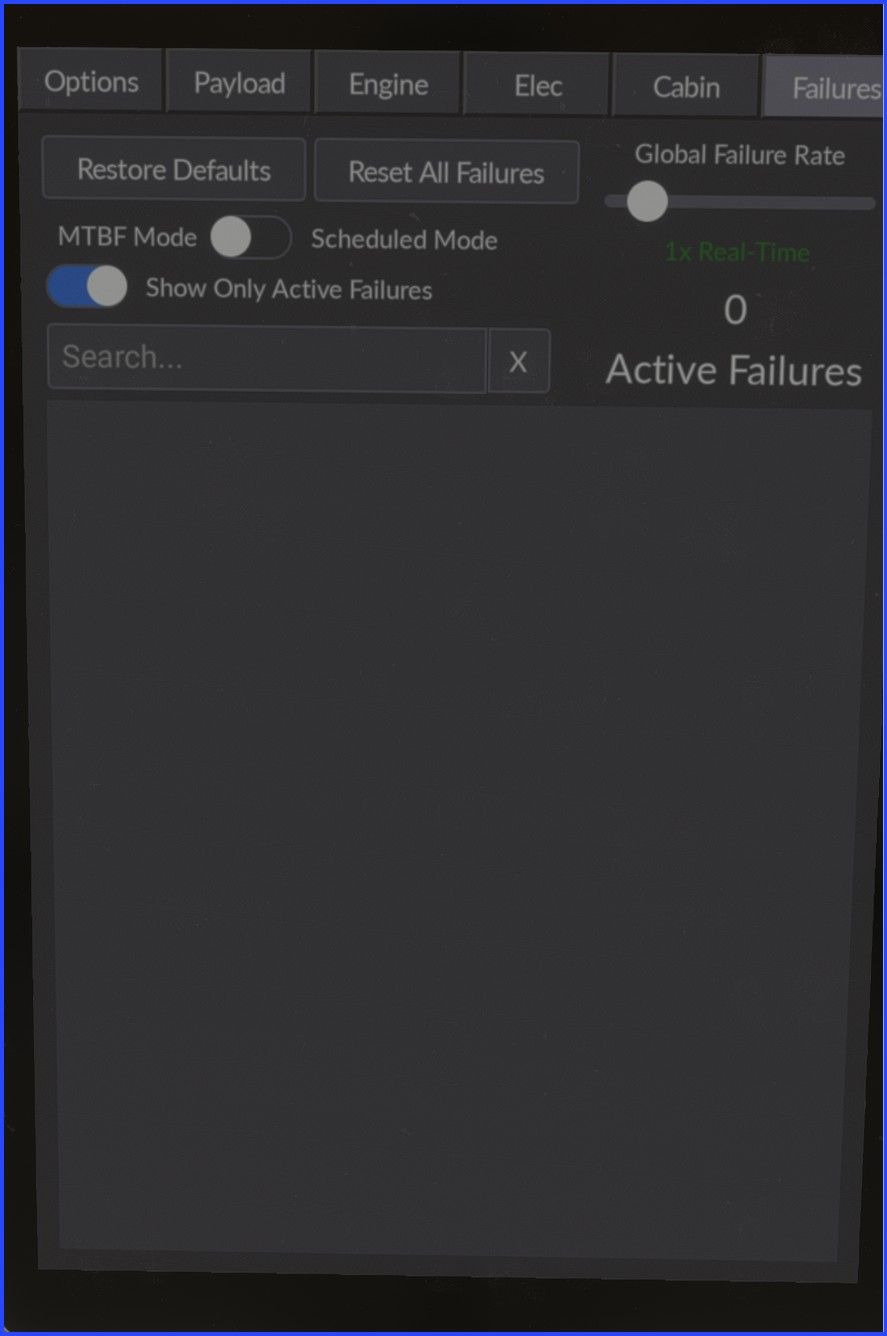
    Screenshot 2026-06-11 095847.jpg Screenshot 2026-06-11 095908.jpg

    1 Reply Last reply
    0
    • Black SquareB Offline
      Black SquareB Offline
      Black Square
      Black Square Developer
      wrote last edited by
      #2

      Unfortunately, the Caravan doesn't have an engine monitor that would alert you to any exceedances, but you can obviously watch the engine condition on the tablet (or the weather radar, if you feel like the tablet is cheating), and try to figure out what's causing it. You're welcome also to send me a screenshot from cruise and I will try to help you diagnose.

      T 1 Reply Last reply
      0
      • Black SquareB Black Square

        Unfortunately, the Caravan doesn't have an engine monitor that would alert you to any exceedances, but you can obviously watch the engine condition on the tablet (or the weather radar, if you feel like the tablet is cheating), and try to figure out what's causing it. You're welcome also to send me a screenshot from cruise and I will try to help you diagnose.

        T Offline
        T Offline
        TJ Turner
        wrote last edited by
        #3

        @Black-Square

        Thanks for the reply. I will take a screenshot the next time I fly.

        1 Reply Last reply
        0
        Reply
        • Reply as topic
        Log in to reply
        • Oldest to Newest
        • Newest to Oldest
        • Most Votes


        • Login

        • Don't have an account? Register

        • Login or register to search.
        • First post
          Last post
        0
        • Categories
        • Recent
        • Tags
        • Popular
        • Users