
Throttle quadrant will not 'reappear'
-
I find myself back in the Starship, trying (again) to master this wonderful aircraft.
Sat on the ground running through start up procedure and I have clicked the throttle quadrant 'away' but when I click on the 'hide/unhide' spot, nothing happens. Engines are running but I can't see my controls! Help!
This is not related to this post as I know where the clickspot is, it just isn't working (MSFS 2024 latest version).
Any help much appreciated.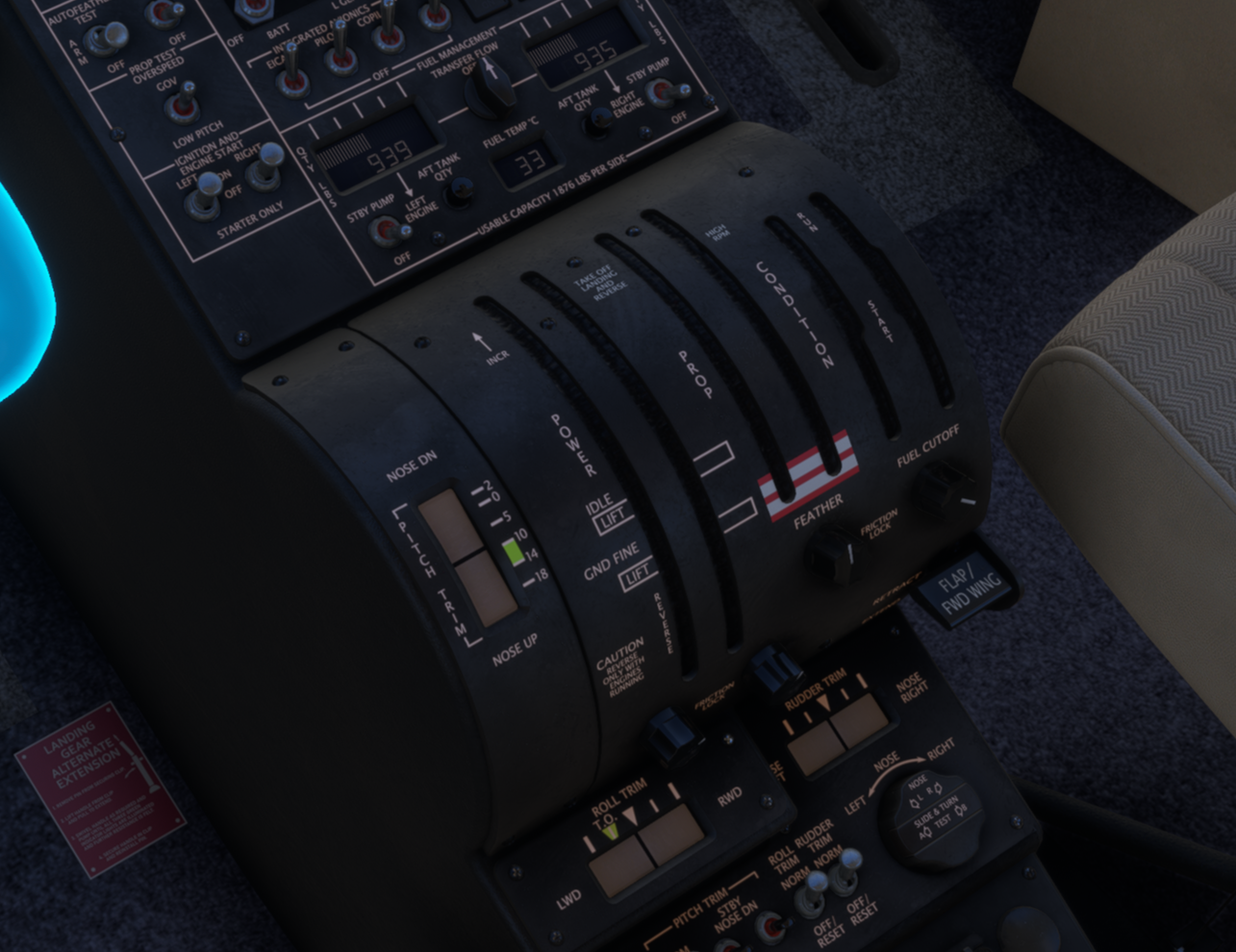
-
-
I think this might be related to Chase Plane, which is a shame, disabling and then renabling Chase Plane brought the throttle quadrant back.
@toby23 Interesting.... thanks for letting me know. I've seen that chaseplane does some strange things, like showing interior models when you should be seeing exterior models. I've come to take this as the way thing are, but I would love to know why.
-
-
-
-
Hello! It looks like you're interested in this conversation, but you don't have an account yet.
Getting fed up of having to scroll through the same posts each visit? When you register for an account, you'll always come back to exactly where you were before, and choose to be notified of new replies (either via email, or push notification). You'll also be able to save bookmarks and upvote posts to show your appreciation to other community members.
With your input, this post could be even better 💗
Register Login