
Bug? RJ Lights not illuminating ground
-
Just recently started flying the RJ again after several months away. I've noticed on multiple flights at night, that the taxi, landing, and runway turn off lights DO NOT illuminate the area around the aircraft.
I can activate the different lights and see them light up, but they just simply do not cast any light forward for visibility.
Is anyone else seeing this? Or is this an issue only on my end?
-
I've just taken a look, and the lighting is illuminating the ground in the RJ on my side.
The first thing I would recommend is reinstalling the RJ, just to ensure all the files have installed correctly. If you continue not to see lighting illuminating the ground after a reinstall, that could point to a conflict with another mod/product in your Community folder.
Mark - Just Flight
@Mark now that I think about it, I meant to try a reinstall before posting. Will let you know if that solves the issue.
-
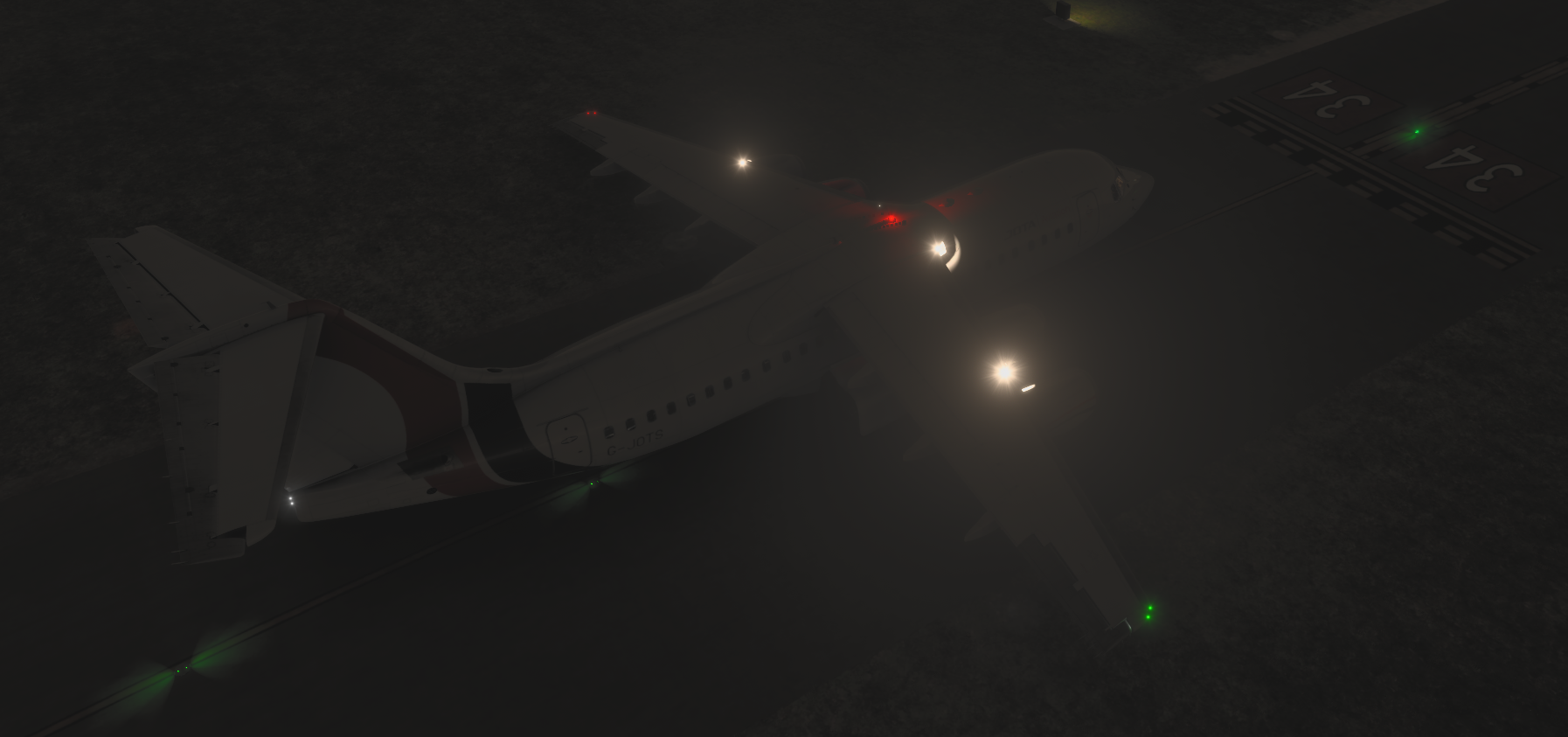
EDIT: Went through and made sure to delete any cached files and then did another full reinstall and that sorted the issue. Lights now illuminate the ground properly.
Unfortunately, a reinstall did not work. It's weird how the lights illuminate the airframe but no interaction with the ground at all. I'll have to go through my community folder and see what I can find.
Hello! It looks like you're interested in this conversation, but you don't have an account yet.
Getting fed up of having to scroll through the same posts each visit? When you register for an account, you'll always come back to exactly where you were before, and choose to be notified of new replies (either via email, or push notification). You'll also be able to save bookmarks and upvote posts to show your appreciation to other community members.
With your input, this post could be even better 💗
Register Login