Enable Visible Copilot
-
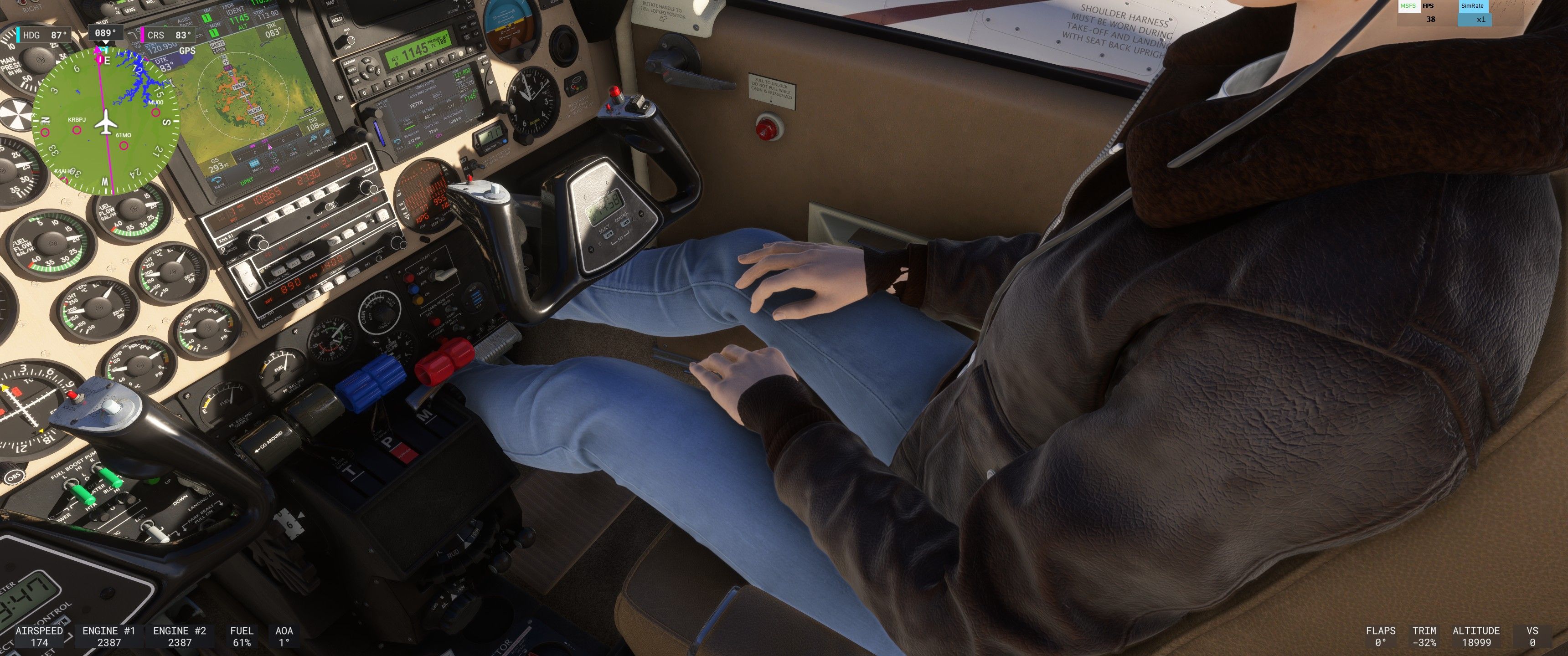
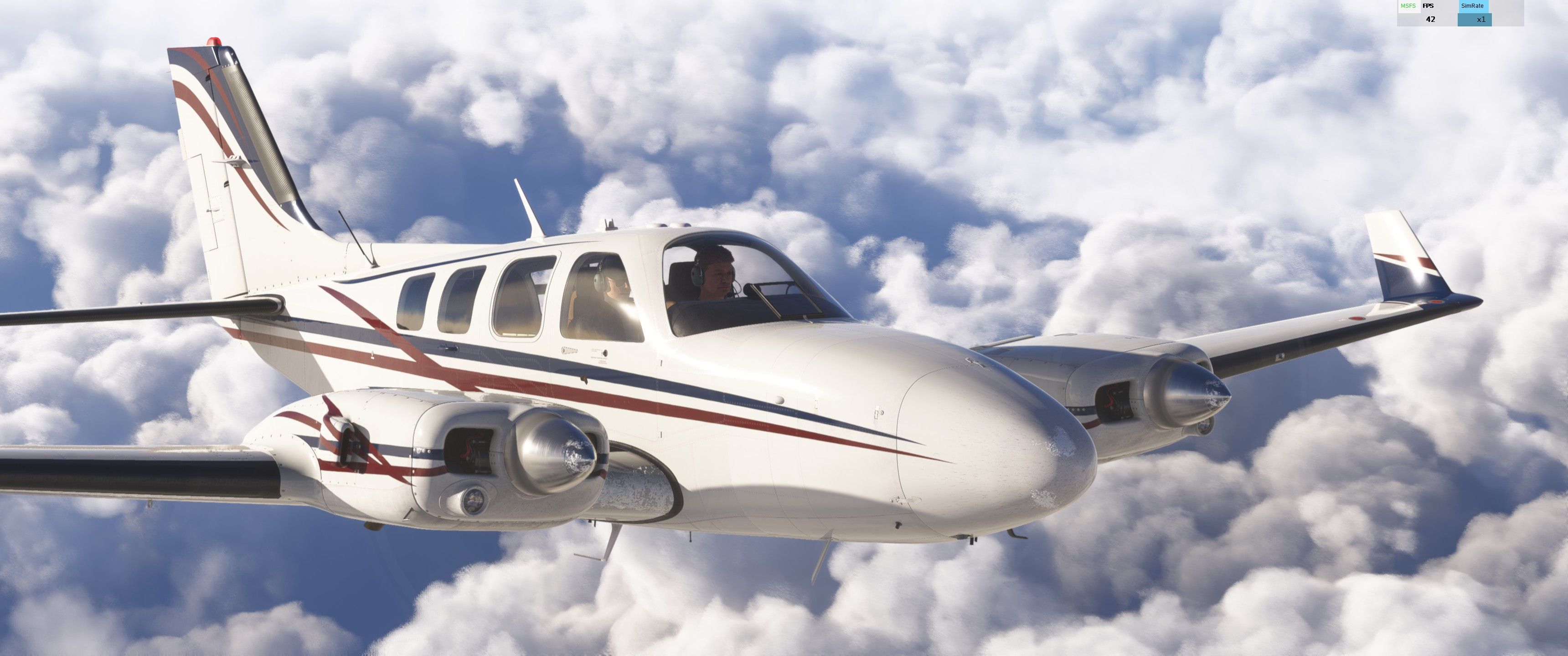
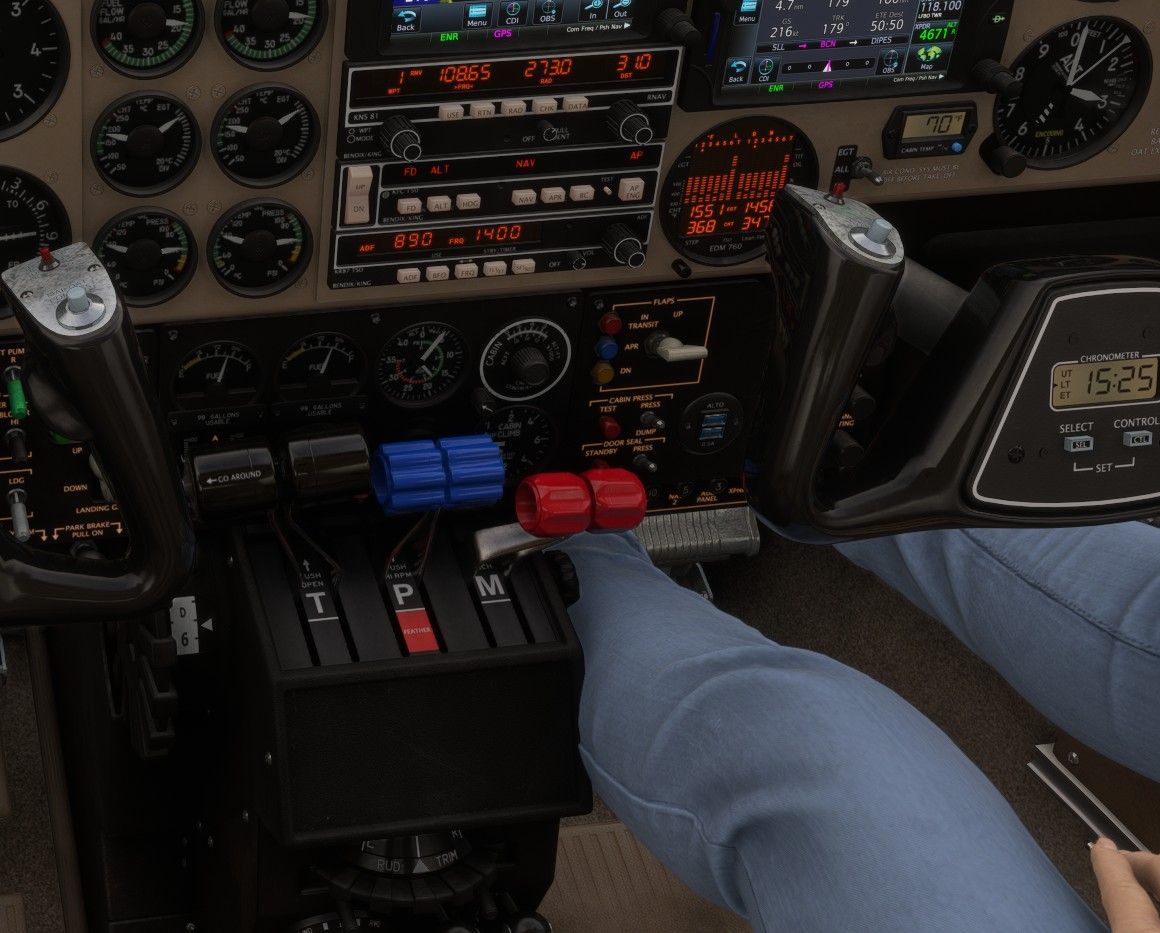
I worked out getting a visible copilot (in MSFS2024 SU3 anyway) today. I couldn't get her to not interfere a little on either side so I averaged it out and made her interfere with the center of the panel just a bit and her elbow sticks out the door just a bit (at least on mine). Edit the navigation_graph_pilot.cfg file in the bksq-aircraft-baronpro\SimObjects\Airplanes\bksq-aircraft-baronpro*\navigation_graph folder. Towards the top add a ,2 to the nodes in the [MAINGRAPH.0] section:
[MAINGRAPH.0]
nodes = 0,1,2and then add the following:
[NODE.2]
name = 2
tag = COPILOT
;modelnode = PILOT_1
pos = 1.02,.4,-0.2
massSection = Copilot
interactiveObject = SEAT_DEFAULT_Copilot[MassSection.1]
name = Copilot
stationLoadName = TT:MENU.PAYLOAD.COPILOT
maxMass = 220If you want to move the copilot a bit left or right adjust that first number after POS - I'd suggest starting with 1.019 or 1.021 if you want to nudge it just a bit.
-
I worked out getting a visible copilot (in MSFS2024 SU3 anyway) today. I couldn't get her to not interfere a little on either side so I averaged it out and made her interfere with the center of the panel just a bit and her elbow sticks out the door just a bit (at least on mine). Edit the navigation_graph_pilot.cfg file in the bksq-aircraft-baronpro\SimObjects\Airplanes\bksq-aircraft-baronpro*\navigation_graph folder. Towards the top add a ,2 to the nodes in the [MAINGRAPH.0] section:
[MAINGRAPH.0]
nodes = 0,1,2and then add the following:
[NODE.2]
name = 2
tag = COPILOT
;modelnode = PILOT_1
pos = 1.02,.4,-0.2
massSection = Copilot
interactiveObject = SEAT_DEFAULT_Copilot[MassSection.1]
name = Copilot
stationLoadName = TT:MENU.PAYLOAD.COPILOT
maxMass = 220If you want to move the copilot a bit left or right adjust that first number after POS - I'd suggest starting with 1.019 or 1.021 if you want to nudge it just a bit.
@MiRexer said in Enable Visible Copilot:
I couldn't get her to not interfere a little on either side so I averaged it out and made her interfere with the center of the panel just a bit and her elbow sticks out the door just a bit (at least on mine).
Thanks for posting this so others who find this compromise acceptable will have the option. On the other hand, I'm sure you now see why I found this to be an unacceptable compromise due to MSFS 2024's more restrictive system.
-
Now that Got Friends Man's Best Friend is out, what are the chances we could get this back? It's got built in ability to adjust the position of the pet and since their legs are much much much shorter, I'm guessing clipping will be much less of a concern.