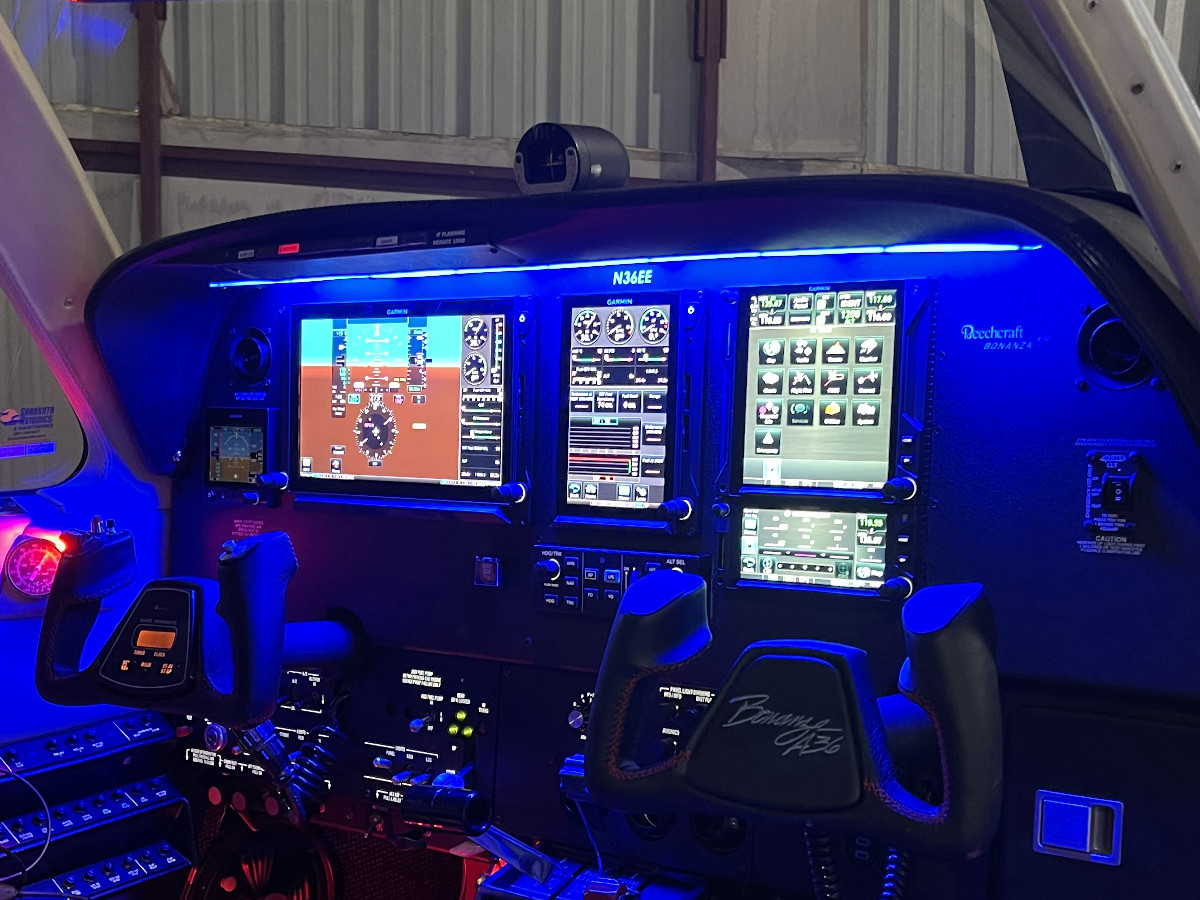
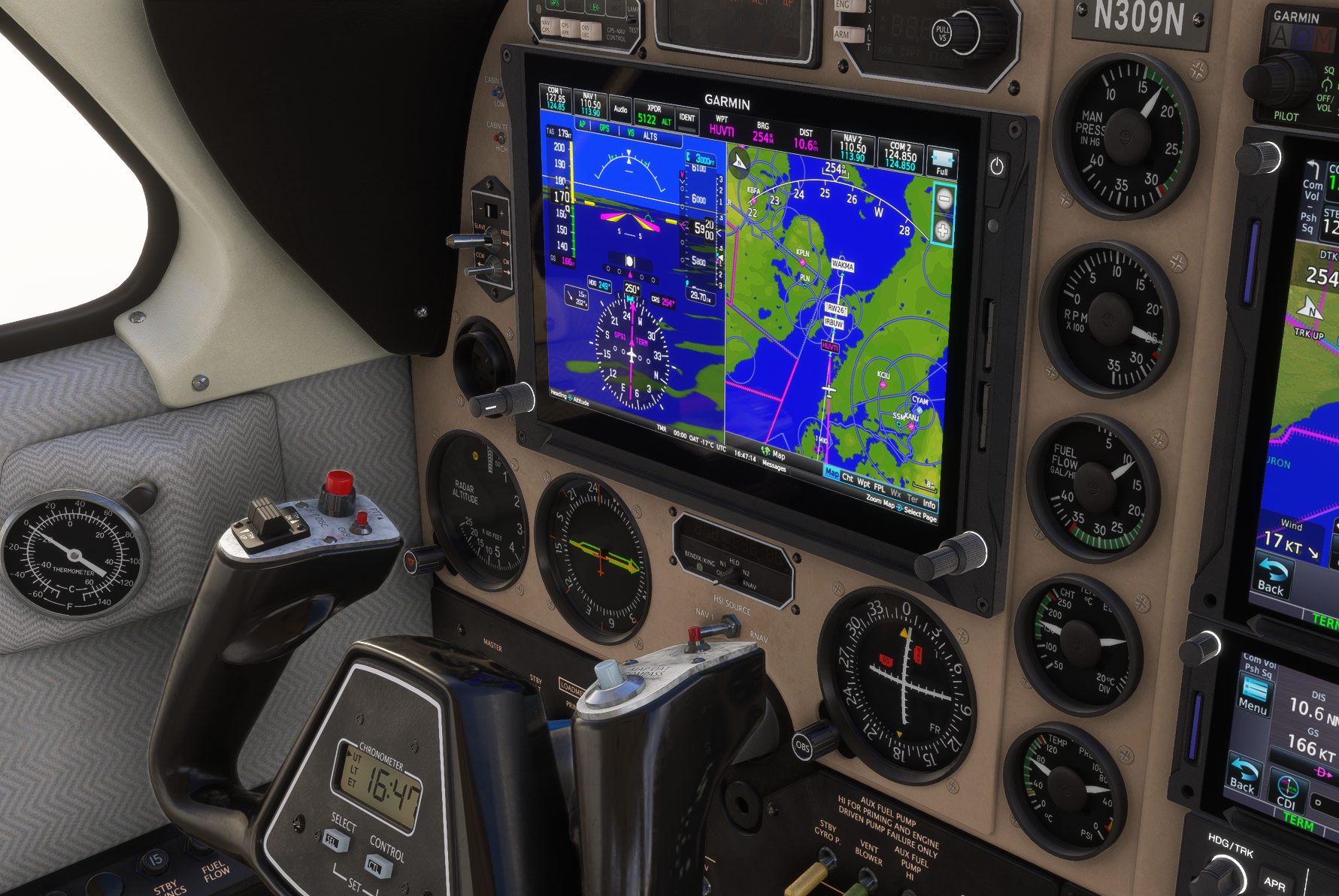
G3X in bonanza
-
Replace all of the CIRCUIT ON:NN values with CIRCUIT ON:48 for testing. This will make sure everything is powered and working for now. -> did you mean 38? (i tried both)
These are my files so far, i can't get power to the gauges
https://limewire.com/d/6UQE9#ZtePYYK5j9 -
Circuit #48 should do the trick as long as the avionics switch is on. Circuit #38 is some panel lighting circuit. You could try circuit #2 if you wanted to bypass the switch and just use battery power.
Your files look like a pretty good start! I'll send you a quick message on your contact form so you can get in touch with me directly, in case it makes anything easier.
-
Replace all of the CIRCUIT ON:NN values with CIRCUIT ON:48 for testing. This will make sure everything is powered and working for now. -> did you mean 38? (i tried both)
These are my files so far, i can't get power to the gauges
https://limewire.com/d/6UQE9#ZtePYYK5j9@xavierp you are missing this in your panel xml:
<Instrument>
		<Name>G3XTouch_1</Name>
		<Electric>
			<Simvar name="CIRCUIT ON:52" unit="Boolean"/>
		</Electric>

		<ElevatorTrim/>
		<RudderTrim/>
	</Instrument>

	<Instrument>
		<Name>G3XTouch_2</Name>
		<Electric>
			<Simvar name="CIRCUIT ON:53" unit="Boolean"/>
		</Electric>
	</Instrument>
I'm doing pretty much the same modification as you are but for Garmin G1000. I've done it in the past on other planes, for now I failed with the bonanza/baron but we can help each other!
-
@xavierp you are missing this in your panel xml:
<Instrument>
		<Name>G3XTouch_1</Name>
		<Electric>
			<Simvar name="CIRCUIT ON:52" unit="Boolean"/>
		</Electric>

		<ElevatorTrim/>
		<RudderTrim/>
	</Instrument>

	<Instrument>
		<Name>G3XTouch_2</Name>
		<Electric>
			<Simvar name="CIRCUIT ON:53" unit="Boolean"/>
		</Electric>
	</Instrument>
I'm doing pretty much the same modification as you are but for Garmin G1000. I've done it in the past on other planes, for now I failed with the bonanza/baron but we can help each other!
-
FYI, i just tried to edit my xml with 53 and 52 as you suggested but it was still not working. At this time, i can only give up and wait for Nick's support)
@xavierp I just wanted to let you know that I've received your emails, and I will discuss your project further. You just caught me on Thanksgiving week in the US, which comes right after my birthday, so it's when I often take some time away from my desk.
-
X xavierp referenced this topic on
-
@xavierp I'm still here. I read all your emails. Coincidentally, someone else undertook this project and did a surprisingly impressive job. I want to discuss with them how we could make this modification more official, but there are challenges with that, as with anything. Sorry that these things move slowly while I'm also working on all my new airplanes at the same time.
-
@xavierp I'm still here. I read all your emails. Coincidentally, someone else undertook this project and did a surprisingly impressive job. I want to discuss with them how we could make this modification more official, but there are challenges with that, as with anything. Sorry that these things move slowly while I'm also working on all my new airplanes at the same time.
@Black-Square thanks. I mailed you.
-
Spotted on the Avsim Forum

-
Spotted on the Avsim Forum
@Outermarker said in G3X in bonanza:
Spotted on the Avsim Forum
Do you have a link to where that is posted?
-
@Outermarker said in G3X in bonanza:
Spotted on the Avsim Forum
Do you have a link to where that is posted?
@Kestrel21 https://www.avsim.com/forums/topic/690155-a2a-legacy-rg550/page/2/#findComment-5694473

 A G3X mod would be a Day 1 pucrhase of the Bonanza PLUS the mod for me.