
ARC MODE ON EHSI EFS40
-
Hi Nick,
Long time i didn't write anything.Having some time to stay behind my computer, I took the advantage of V1.5 release to test your new iteration.Though manual states that ARC mode is available, I can't find on how to select it.Any advice?
I retested the aircraft in its new version and i must admit you did a great job especially on flight handling and engine management.A real pleasure to handfly it.
As you know me now, i couldn't help doing modifications on decals, artwork and fonts used for readouts.
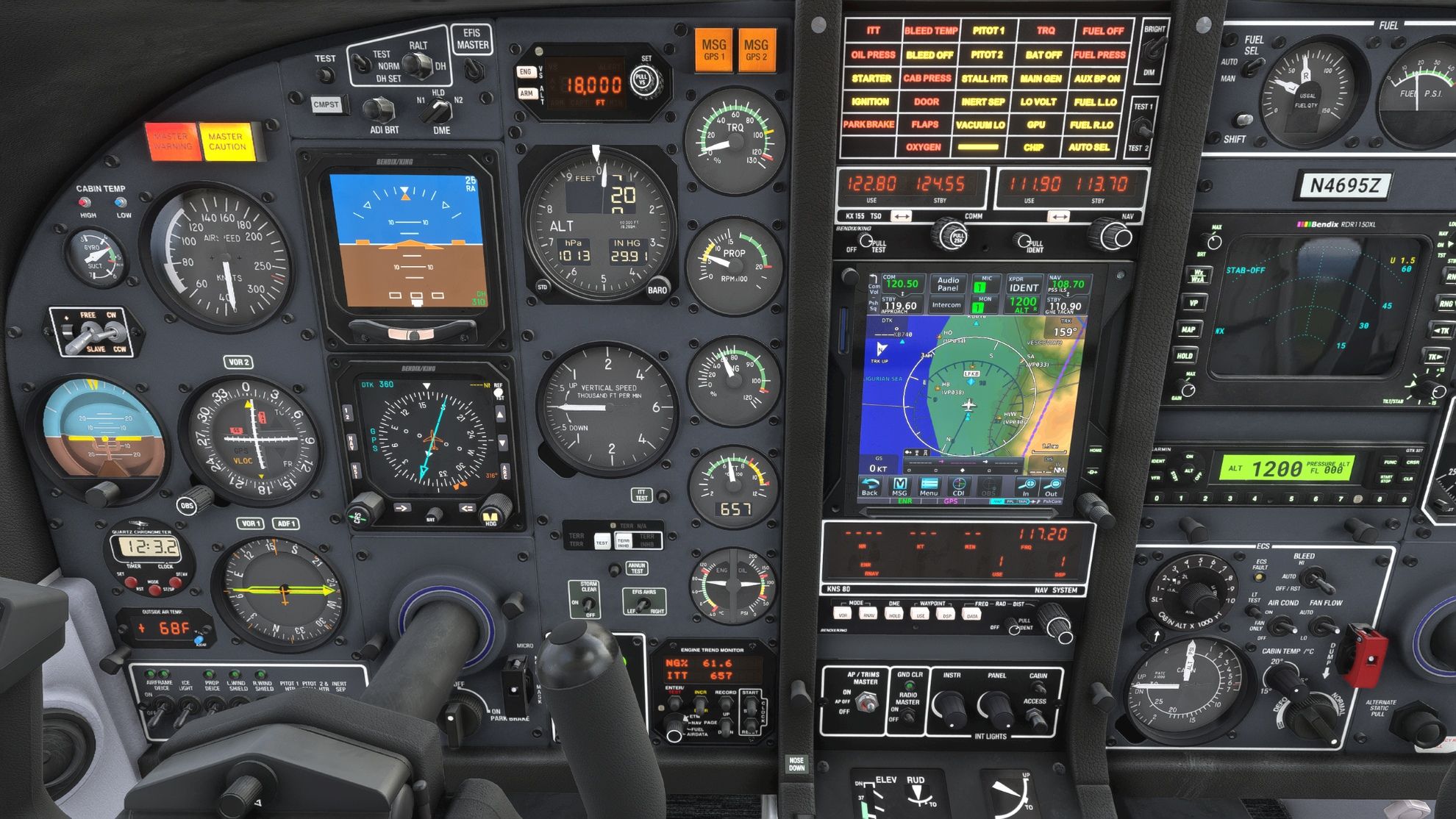
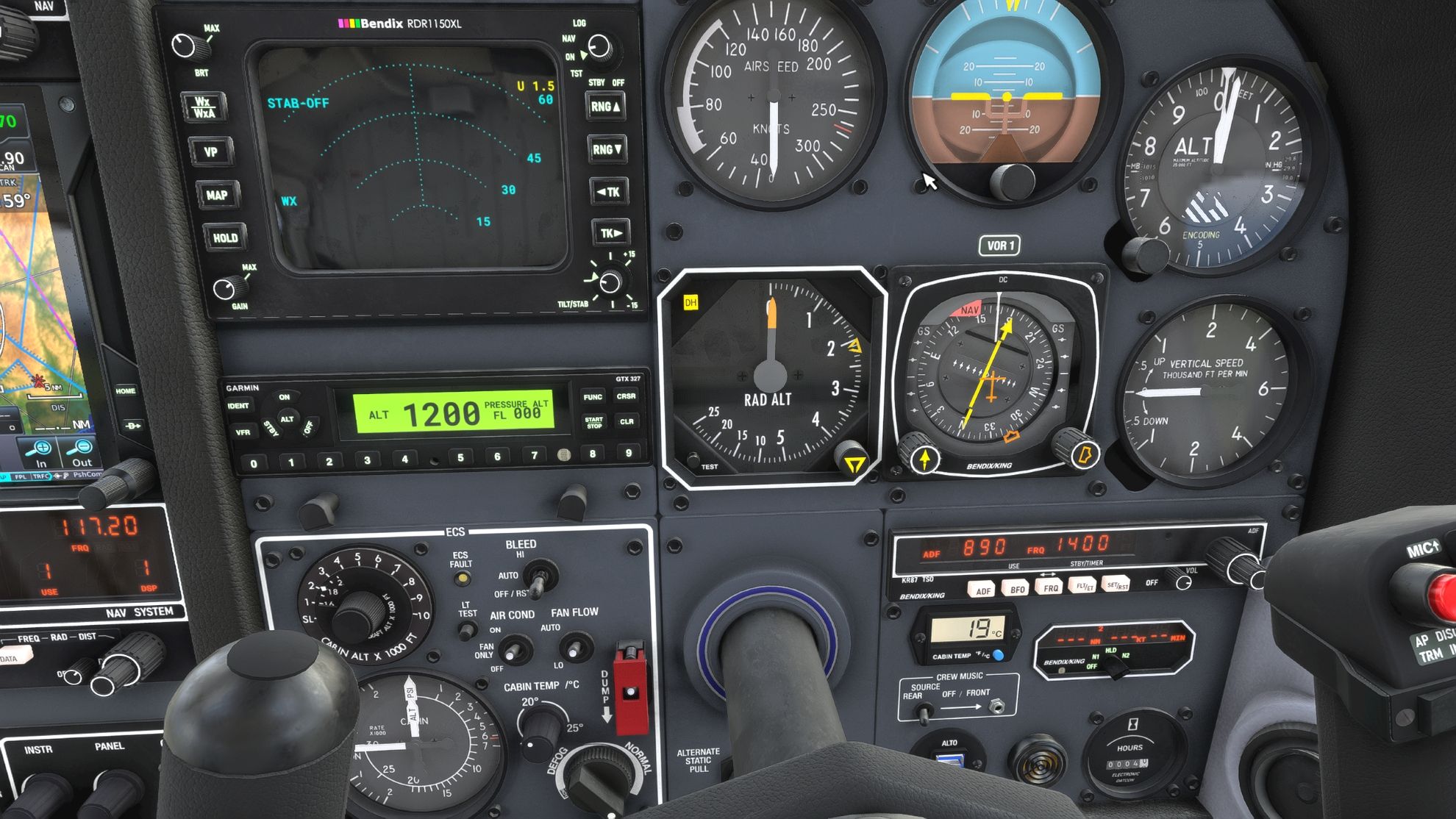
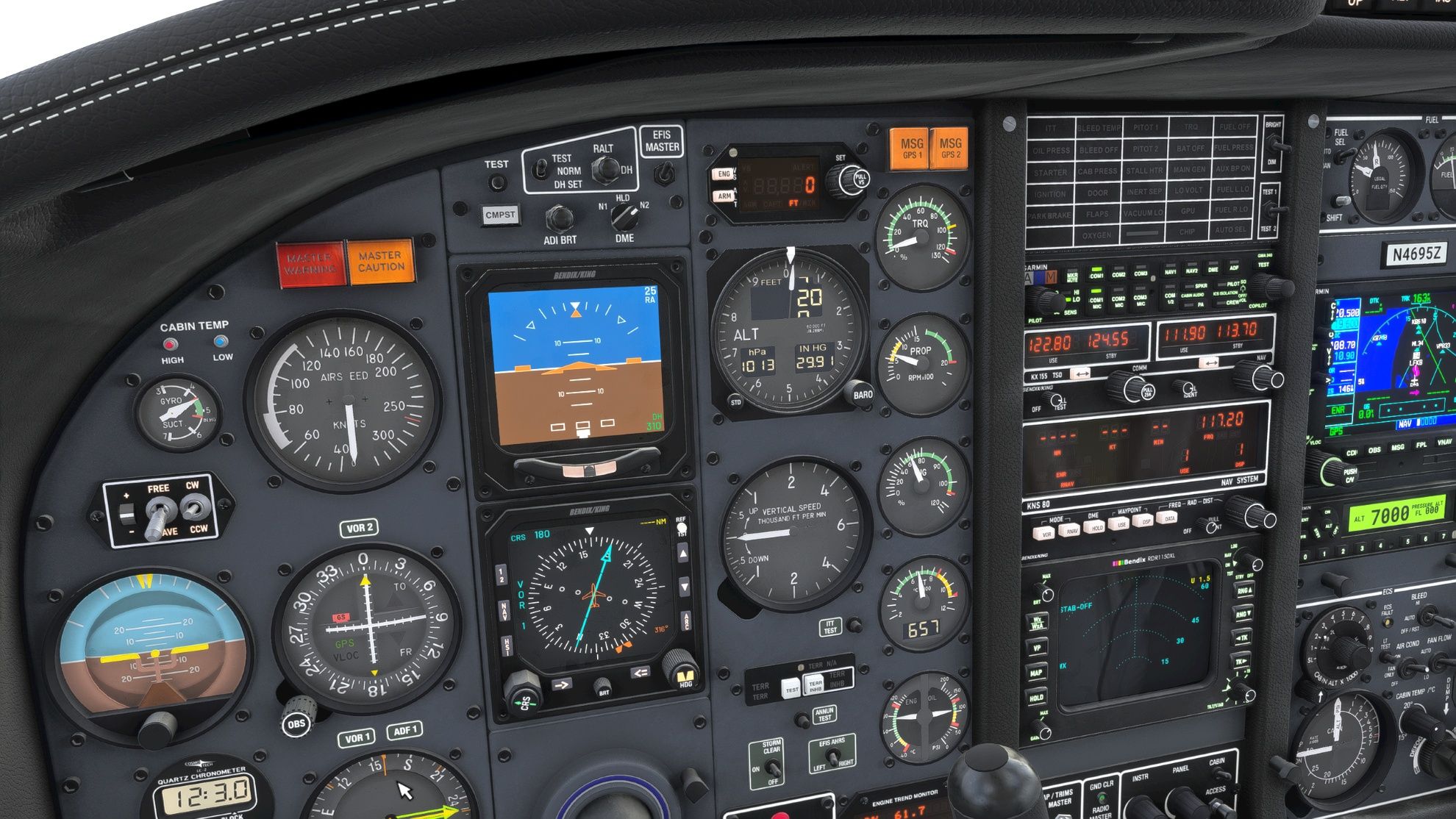
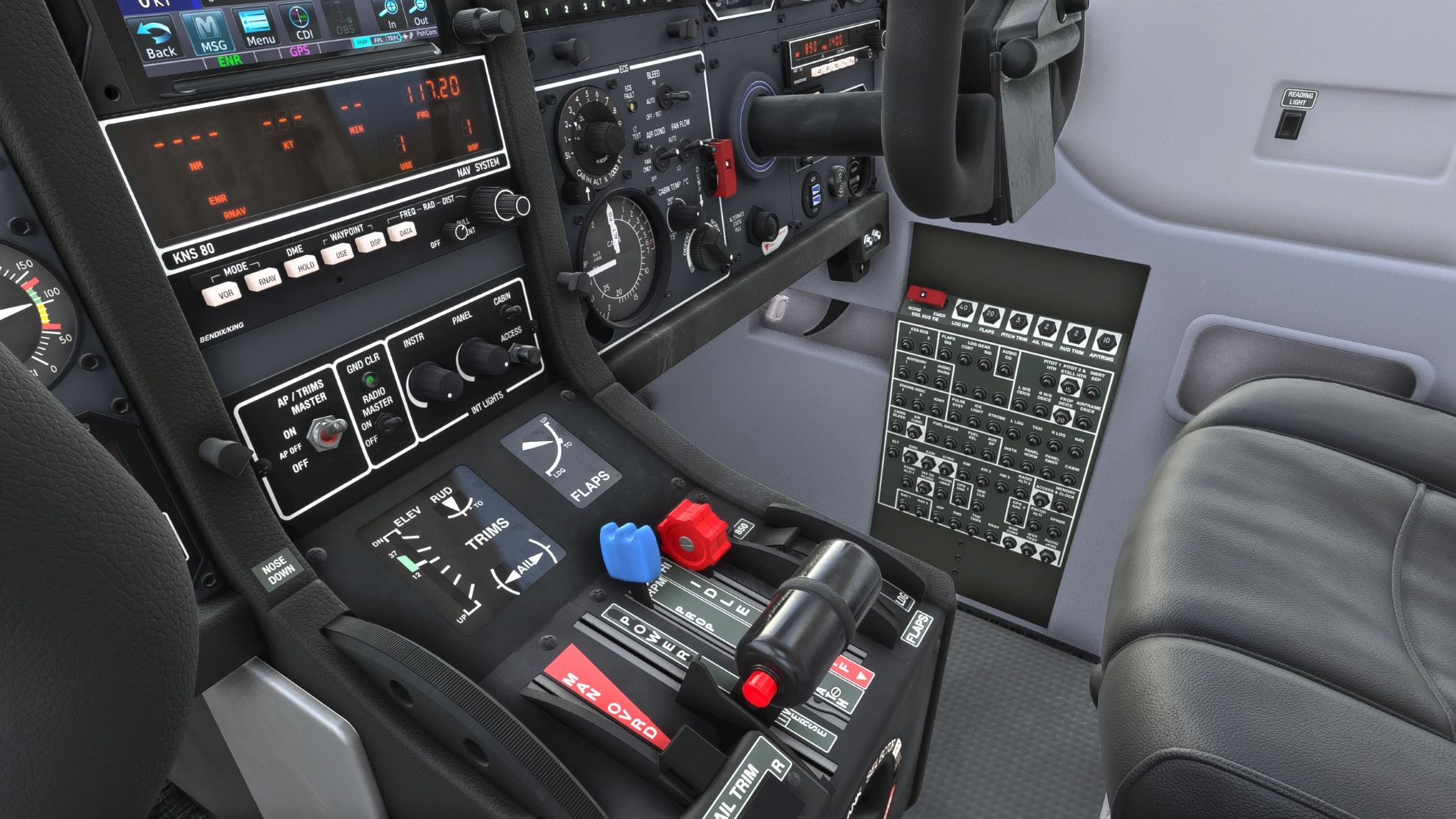
Thanks again for your work !
Daniel -
Hi Nick,
Long time i didn't write anything.Having some time to stay behind my computer, I took the advantage of V1.5 release to test your new iteration.Though manual states that ARC mode is available, I can't find on how to select it.Any advice?
I retested the aircraft in its new version and i must admit you did a great job especially on flight handling and engine management.A real pleasure to handfly it.
As you know me now, i couldn't help doing modifications on decals, artwork and fonts used for readouts.
Thanks again for your work !
Daniel@804737 Sorry to disappoint, but I have not implemented those features on the EFS40 yet. Since I didn't mention them in the changelog, I assume I know which part of the manual you're referring to (in the EFS 40 EHSI section's first "NOTE"), but the following line is: "The symbol generator functionality of the EFS 40 is not currently simulated in this aircraft, but may be at a future date." Interoperability between hot-swapping GPS units from many different developers and mapping functions remains one of the hardest challenges in MSFS. I've had some success with this in the King Air Professional, which may allow me to do the same for the TBM in the future, however. Sorry to disappoint!
-
Hi Nick,
No problem, my bad i didn't read correctly.
Two small questions:
1-MSG GPS1 or GPS 2 (if equipped) should illuminate whenever a message is received in your GPS.I suppose this doesn' t work for now until you solve the problem with mapping with differents software(FS2024, GTN750 or PMS50).
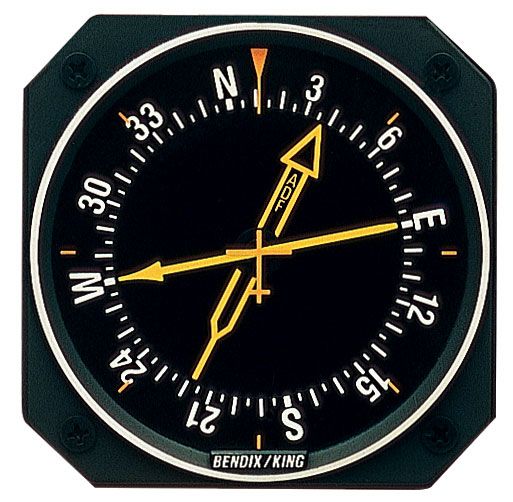
2-A small request: Could you point me out where in ANALOGTBM_AVIONICS_ALBD texture, I can find part of the texture used to texturize the RMI and VOR 2 outring.I would like to draw the white outline you can find on the real ones.
Once again, your aircraft is a joy to fly! Many thanks for your wonderful work!
Daniel -
Hi Nick,
No problem, my bad i didn't read correctly.
Two small questions:
1-MSG GPS1 or GPS 2 (if equipped) should illuminate whenever a message is received in your GPS.I suppose this doesn' t work for now until you solve the problem with mapping with differents software(FS2024, GTN750 or PMS50).
2-A small request: Could you point me out where in ANALOGTBM_AVIONICS_ALBD texture, I can find part of the texture used to texturize the RMI and VOR 2 outring.I would like to draw the white outline you can find on the real ones.
Once again, your aircraft is a joy to fly! Many thanks for your wonderful work!
Daniel@804737 The message output is still not supported by every GPS option, unfortunately.
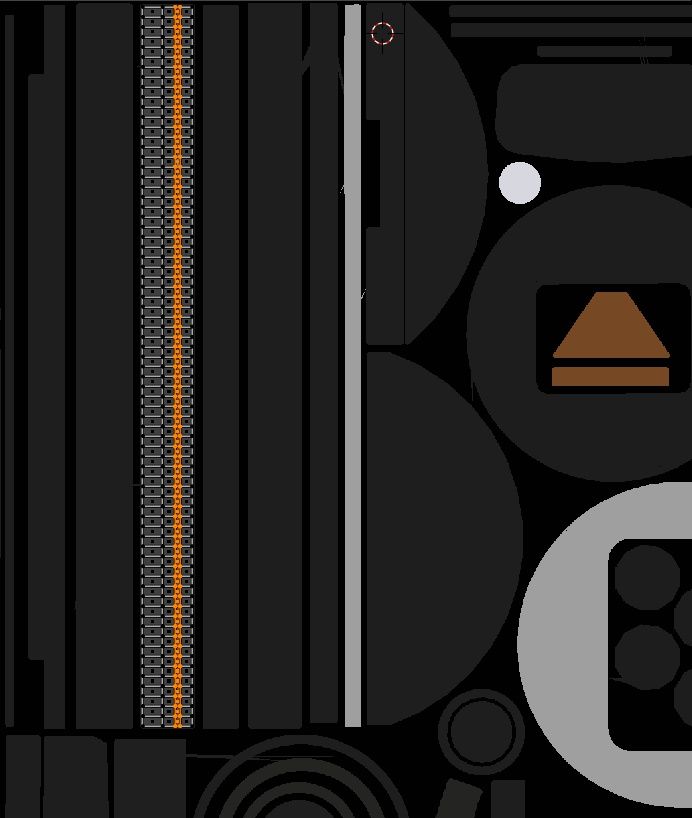
Unfortunately, the bezel texture is continuous all the way around its cross-section, so you might not be able to get it perfect, but if you carefully create your line of pixels, then I think you will get passable results.
-
@804737 The message output is still not supported by every GPS option, unfortunately.
Unfortunately, the bezel texture is continuous all the way around its cross-section, so you might not be able to get it perfect, but if you carefully create your line of pixels, then I think you will get passable results.
@Black-Square
Many thanks Nick , I'll give it a try.

