Skip to content
  • Categories
  • Recent
  • Tags
  • Popular
  • Users
Collapse
Just Flight Community Forum
  1. Home
  2. Just Flight
  3. MSFS Products
  4. Black Square Add-Ons
  5. TBM 850
  6. [v1.5] Unable to load TDS GTN750

[v1.5] Unable to load TDS GTN750

Scheduled Pinned Locked Moved TBM 850
6 Posts 3 Posters 135 Views 1 Watching
  • Oldest to Newest
  • Newest to Oldest
  • Most Votes
Reply
  • Reply as topic
Log in to reply
This topic has been deleted. Only users with topic management privileges can see it.
  • sg_aviationS Offline
    sg_aviationS Offline
    sg_aviation
    wrote last edited by sg_aviation
    #1

    Hi,

    I've installed the TBM v1.5, Echo19 soundpack latest update and TDS GTN750.

    For the GTN750 it only shows a white, non-clickable page:
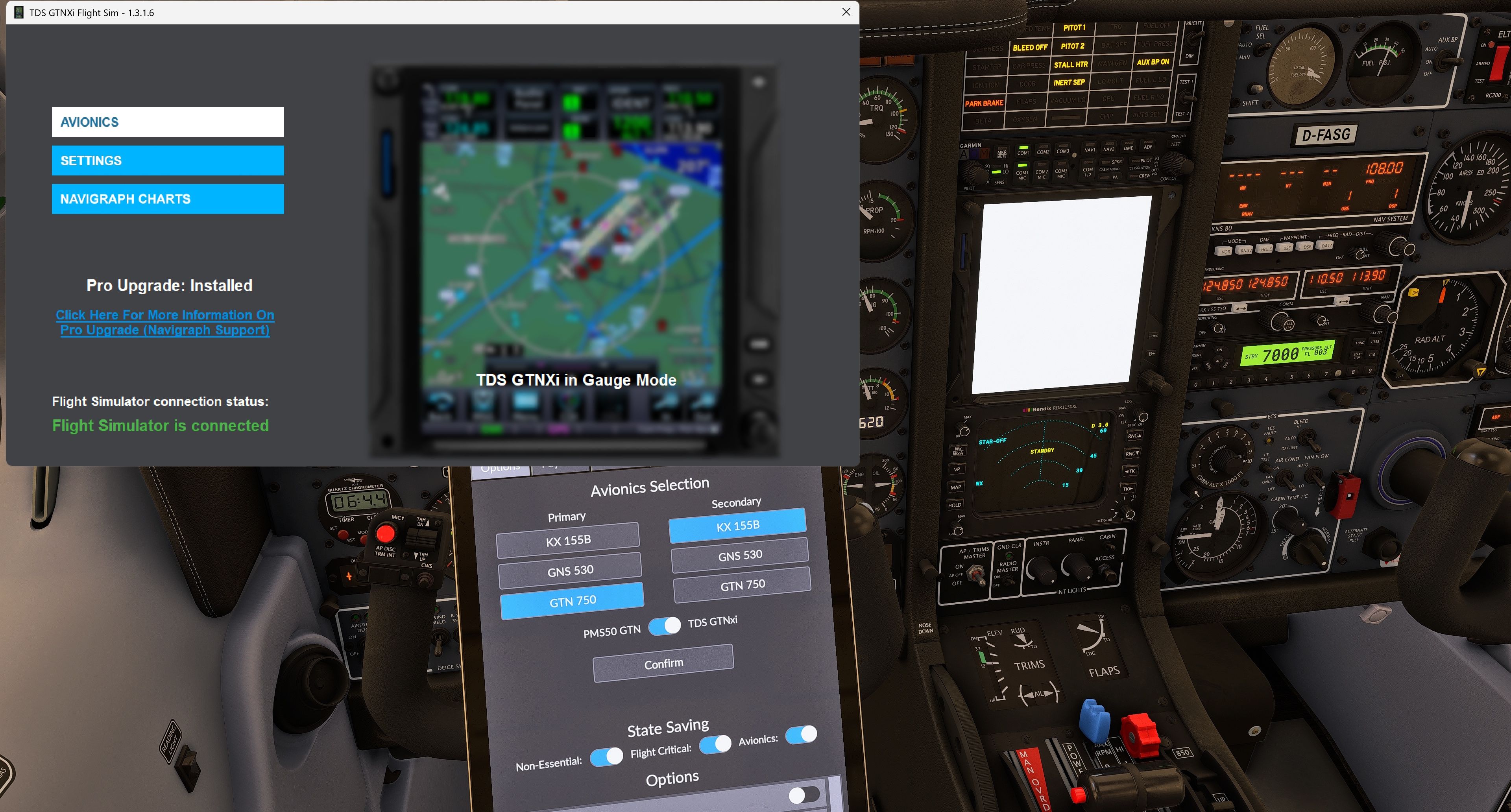
    2026-11-11 20_16_00-Microsoft Flight Simulator 2024 - 1.9.24.0.jpg

    Also, re-setting avionics and restarting the TDS software doesn't solve the issue.

    The issue also persists when removing the Echo19 soundpack and returning to default sounds.

    Seeking for help.

    Regards,

    Stefan

    1 Reply Last reply
    0
    • K Offline
      K Offline
      karelvermeersch
      wrote last edited by
      #2

      Make sure you have the newest version of the Echo19 soundpack, v1.0.0.1
      That should solve all problems regarding avionics.

      sg_aviationS 1 Reply Last reply
      0
      • K karelvermeersch

        Make sure you have the newest version of the Echo19 soundpack, v1.0.0.1
        That should solve all problems regarding avionics.

        sg_aviationS Offline
        sg_aviationS Offline
        sg_aviation
        wrote last edited by
        #3

        @karelvermeersch Negative, latest version 1.0.0.1 is installed (even uninstalled and re-installed from scratch) but issue persists. Here's the view from the installer:
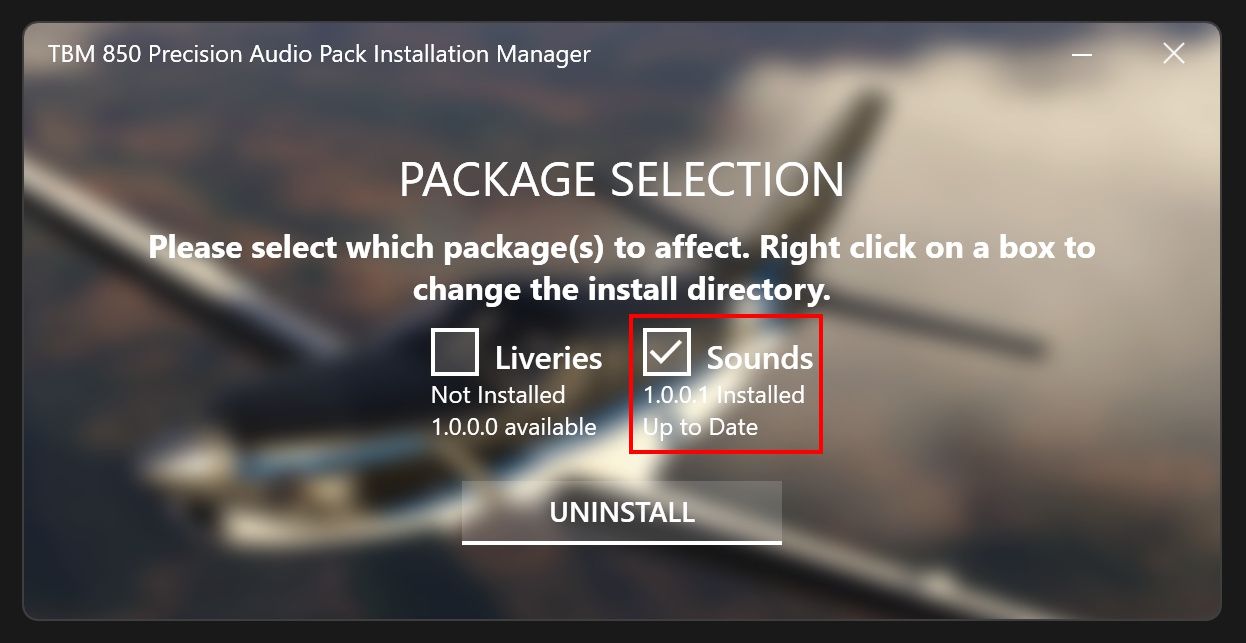
        2026-11-11 20_56_43-D__Download.jpg

        1 Reply Last reply
        0
        • sg_aviationS Offline
          sg_aviationS Offline
          sg_aviation
          wrote last edited by
          #4

          The issue was caused by a custom livery I created for myself. I need to figure out what needs to be changed and also crosscheck if other liveries from f.to are affected.

          1 Reply Last reply
          0
          • D Offline
            D Offline
            D-MK85
            wrote last edited by
            #5

            I had the same issue. I solved it, when I took a panel.cfg from a default-livery after the update.

            I have only kept the old [VPainting01] and [VPainting02]-sections of the "old" livery before the update for the dynamic registration. Now everything works fine.

            1 Reply Last reply
            0
            • sg_aviationS Offline
              sg_aviationS Offline
              sg_aviation
              wrote last edited by
              #6

              Indeed I now heard that all liveries need an update for the panel.cfg. You can see the first new versions already on flightsim.to.

              1 Reply Last reply
              0
              Reply
              • Reply as topic
              Log in to reply
              • Oldest to Newest
              • Newest to Oldest
              • Most Votes


              • Login

              • Don't have an account? Register

              • Login or register to search.
              • First post
                Last post
              0
              • Categories
              • Recent
              • Tags
              • Popular
              • Users