Weather radar
-
Define "clears the screen." I have seen an intermittent bug with that weather radar in other Black Square aircraft where a white screen will sweep across the display, but so far I've been able to clear it by fiddling with modes for a moment and Nick has never been able to reproduce it.
Is that it, or something else?.
-
After installing the Caravan and doing a quick test with it I crashed several times but started over and over again within the same MSFS session. The wx radar showed a correct picture direct after activation with the first sweep (!) but with all following radar sweeps the radar picture was blurred in an extreme manner. It looks there were several sweeps following each other and interfering. Maybe it had to do with the repeating reinitialisation of the Caravan after the crashes.
Since than I had no bad weather.
-
The MSFS wxr radar is known to act up even on really well spec'd pc's. You could try using this tool, not sure if it will help, but it has definitely cleaned up performance and bugs for me.
https://flightsim.to/addon/103968/mfs-cleaner-fixer
Please make sure to read before clicking what you want it to do so it doesn't reset something you don't want...
-
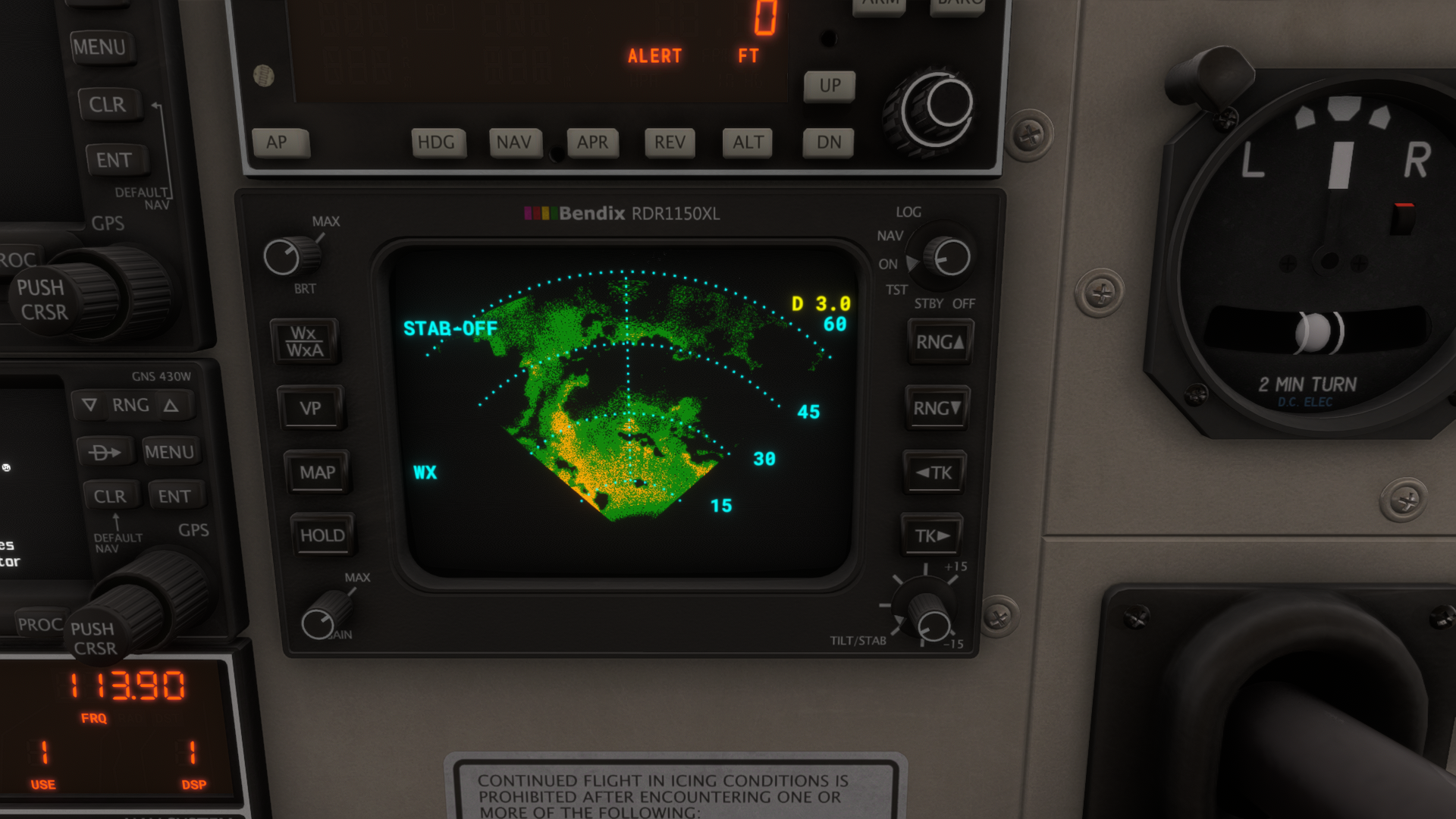
Just fired her up on the the ramp in Prestwick. Some dark clouds around and little showers.
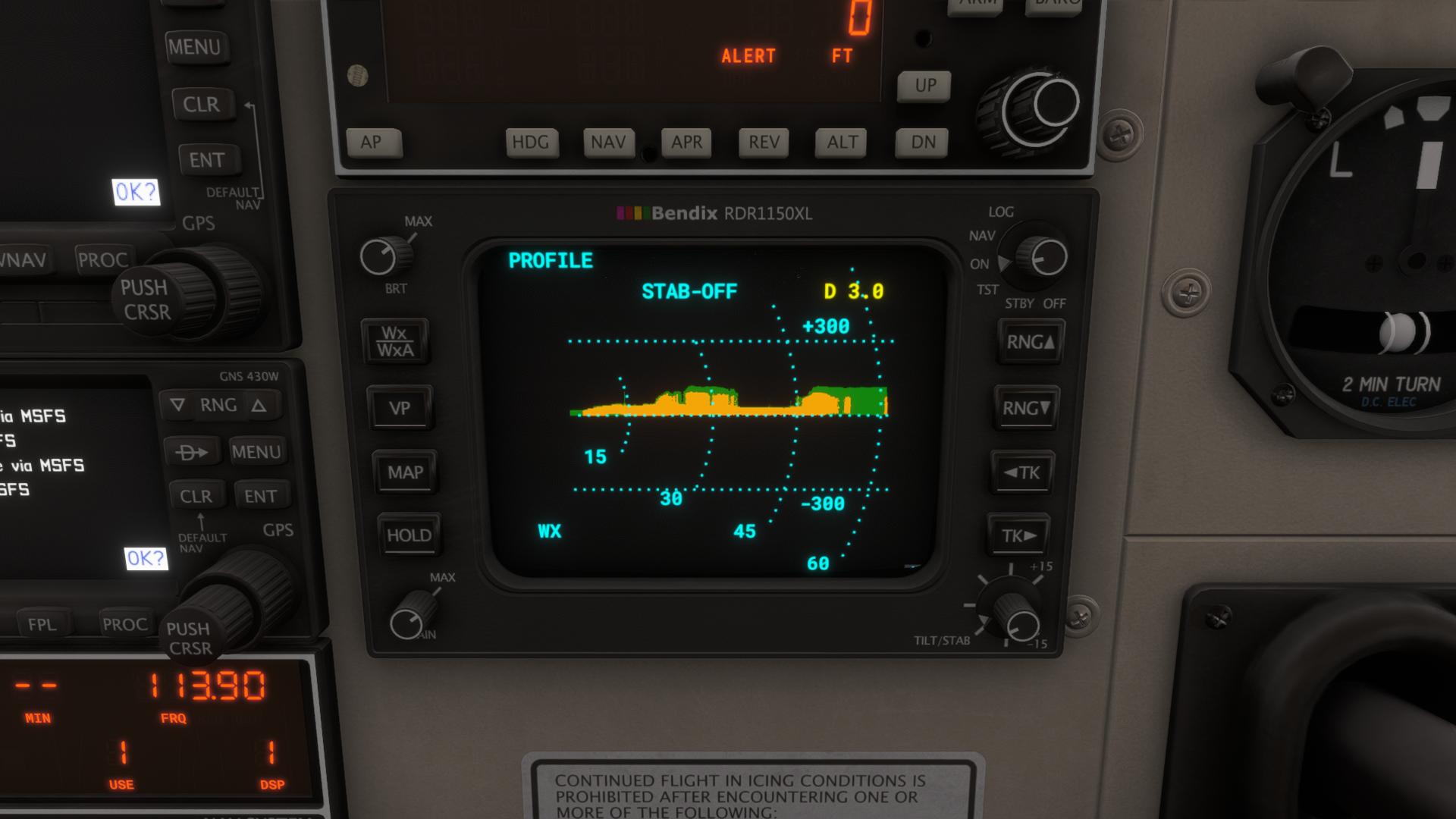
WX radar seems to work normal. See photos.
The only thing that makes me wonder: Why are the echos with the VP mode solid and that ones with the normal mode kind of scattered? Is this intentional?
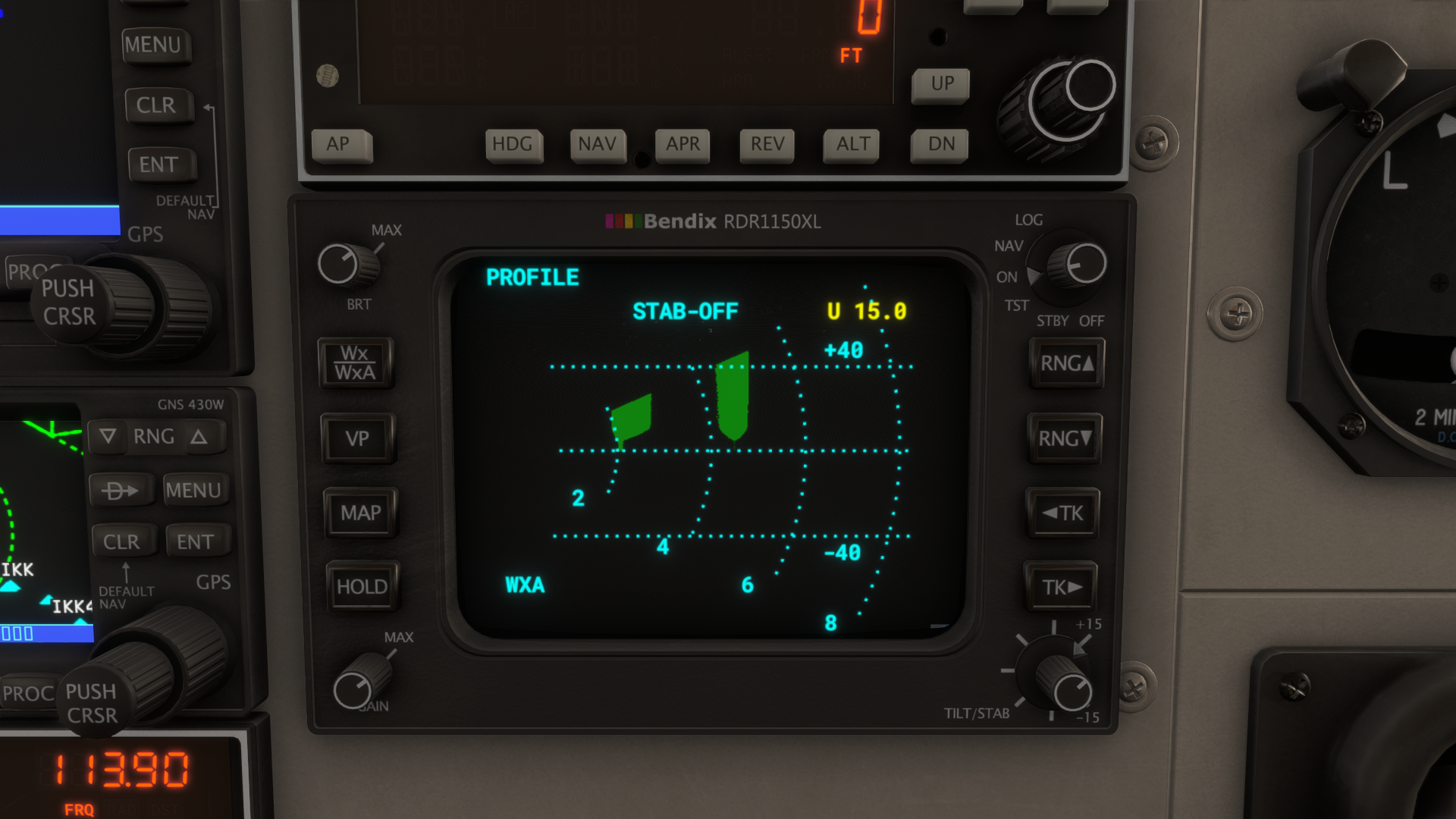
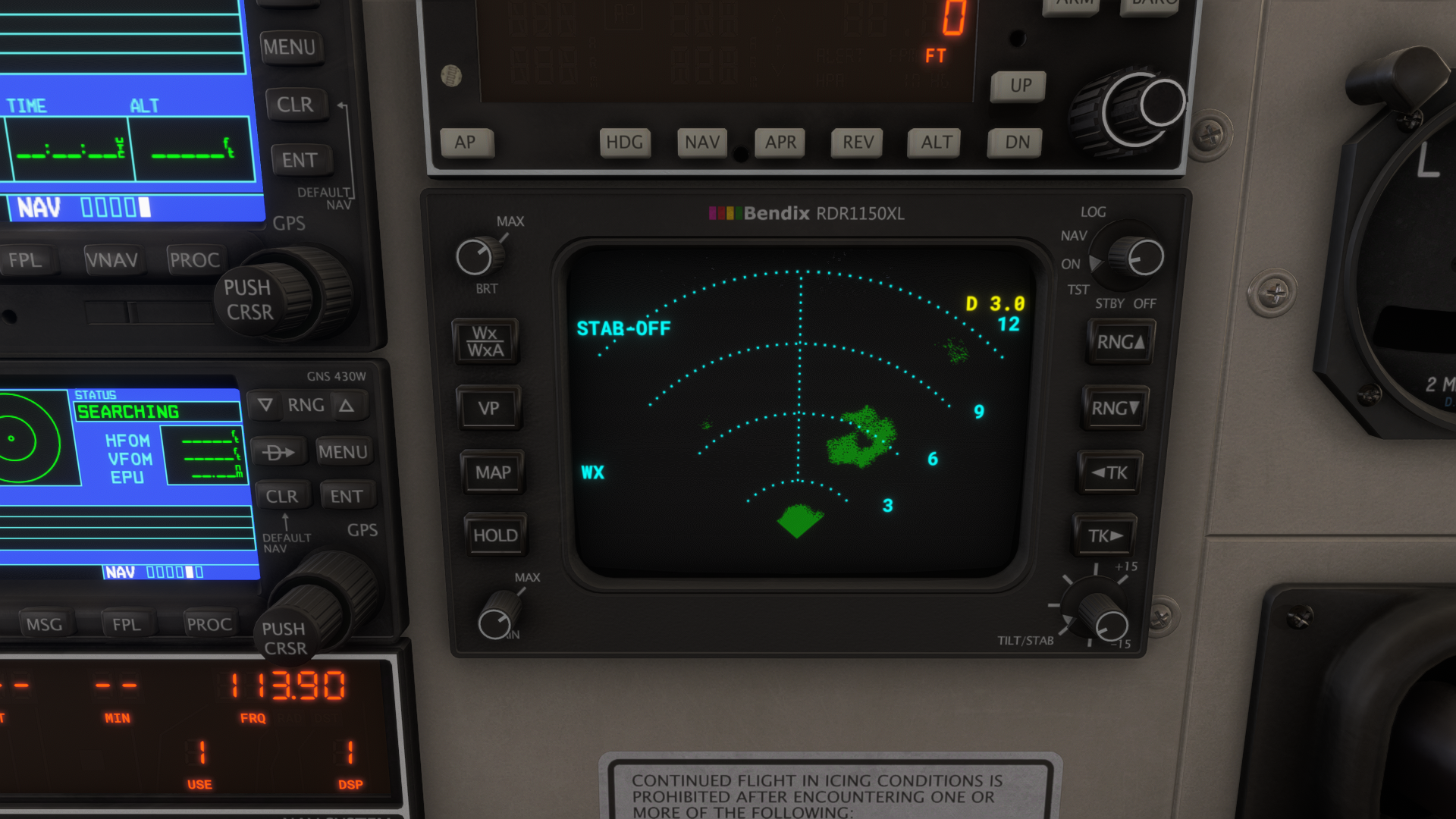
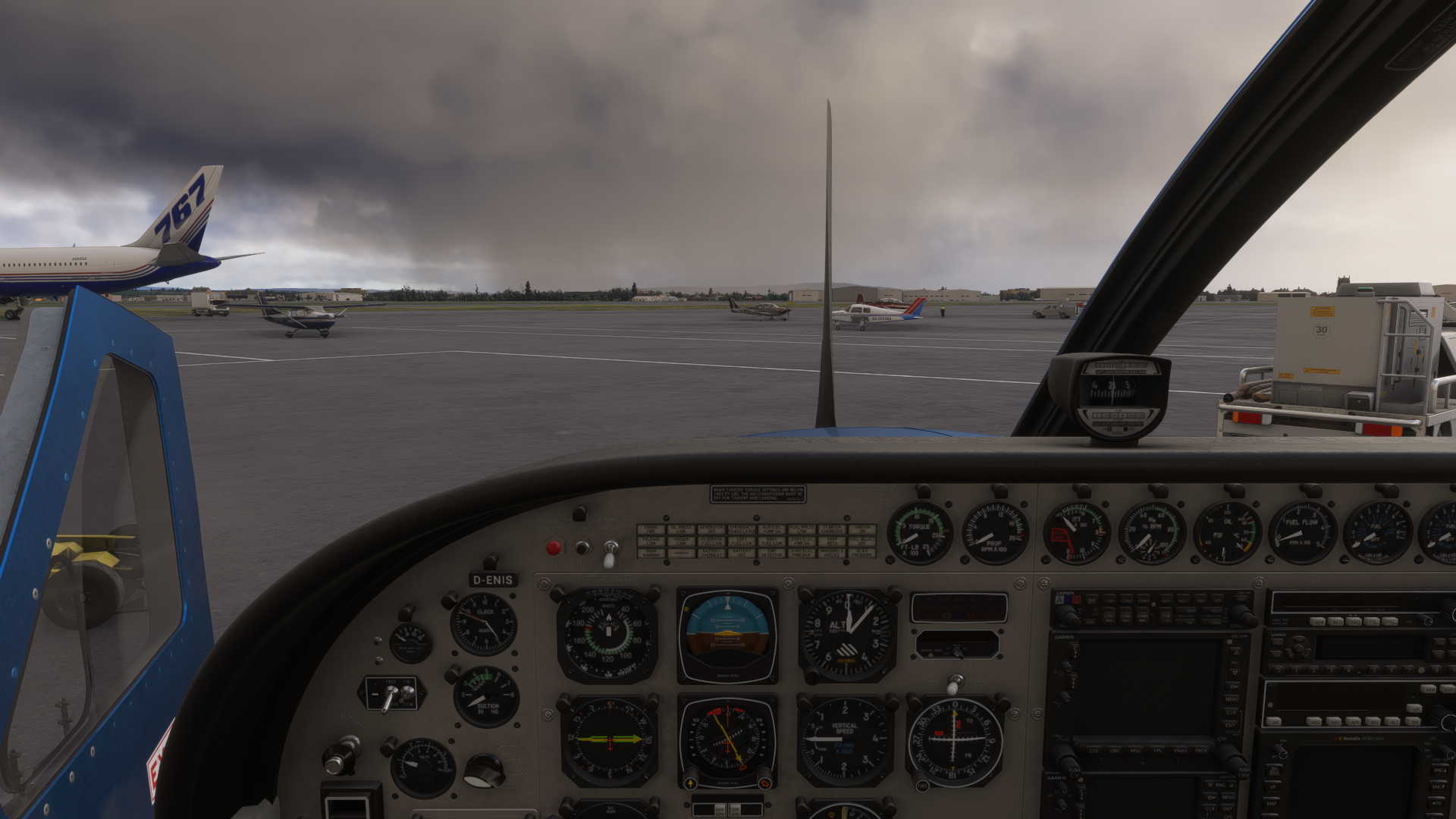
-
The MSFS wxr radar is known to act up even on really well spec'd pc's. You could try using this tool, not sure if it will help, but it has definitely cleaned up performance and bugs for me.
https://flightsim.to/addon/103968/mfs-cleaner-fixer
Please make sure to read before clicking what you want it to do so it doesn't reset something you don't want...
@SadBucket said in Weather radar:
The MSFS wxr radar is known to act up even on really well spec'd pc's. You could try using this tool, not sure if it will help, but it has definitely cleaned up performance and bugs for me.
https://flightsim.to/addon/103968/mfs-cleaner-fixer
Please make sure to read before clicking what you want it to do so it doesn't reset something you don't want...
Black Square has custom built wx radar. I don't think it does correlate with the MSFS wx radar.
-
@SadBucket said in Weather radar:
The MSFS wxr radar is known to act up even on really well spec'd pc's. You could try using this tool, not sure if it will help, but it has definitely cleaned up performance and bugs for me.
https://flightsim.to/addon/103968/mfs-cleaner-fixer
Please make sure to read before clicking what you want it to do so it doesn't reset something you don't want...
Black Square has custom built wx radar. I don't think it does correlate with the MSFS wx radar.
@Zacke To my knowledge it will utilize the same data (corrupt or not) on the display as any other weather radar in msfs as there is only one source for the quite crummy simulation of a wxr radar (I think it's just a crop of the NEXRAD image with a different resolution). I have experienced anomalies on pretty much every aircraft that has one, but not since I started clearing cache files regularly.
-
That sounds not good.
I don't know much about that internal MSFS weather processing but didn't it use meteoblue.com weather data which is very advanced? NEXRAD is only available in the U.S. and is quite limited in resolution?
@Zacke I just meant its the same source as the msfs simulated "NEXRAD" not actual NEXRAD**. As of right now there is no way to properly simulate wxr radar in msfs. You may have confused the Starships custom ground radar which would work similarly in logic to the wxr radar if it could be done.
-
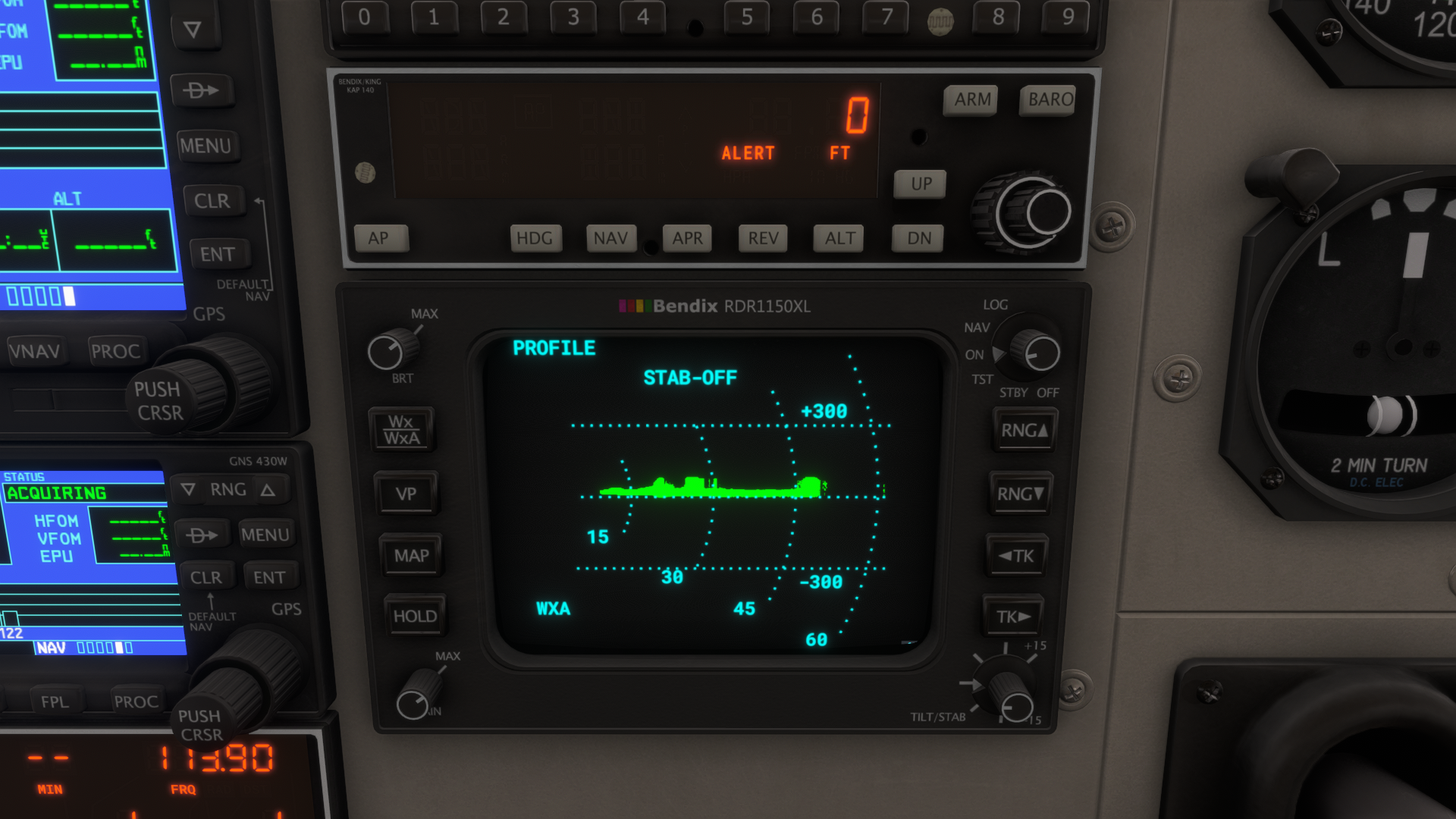
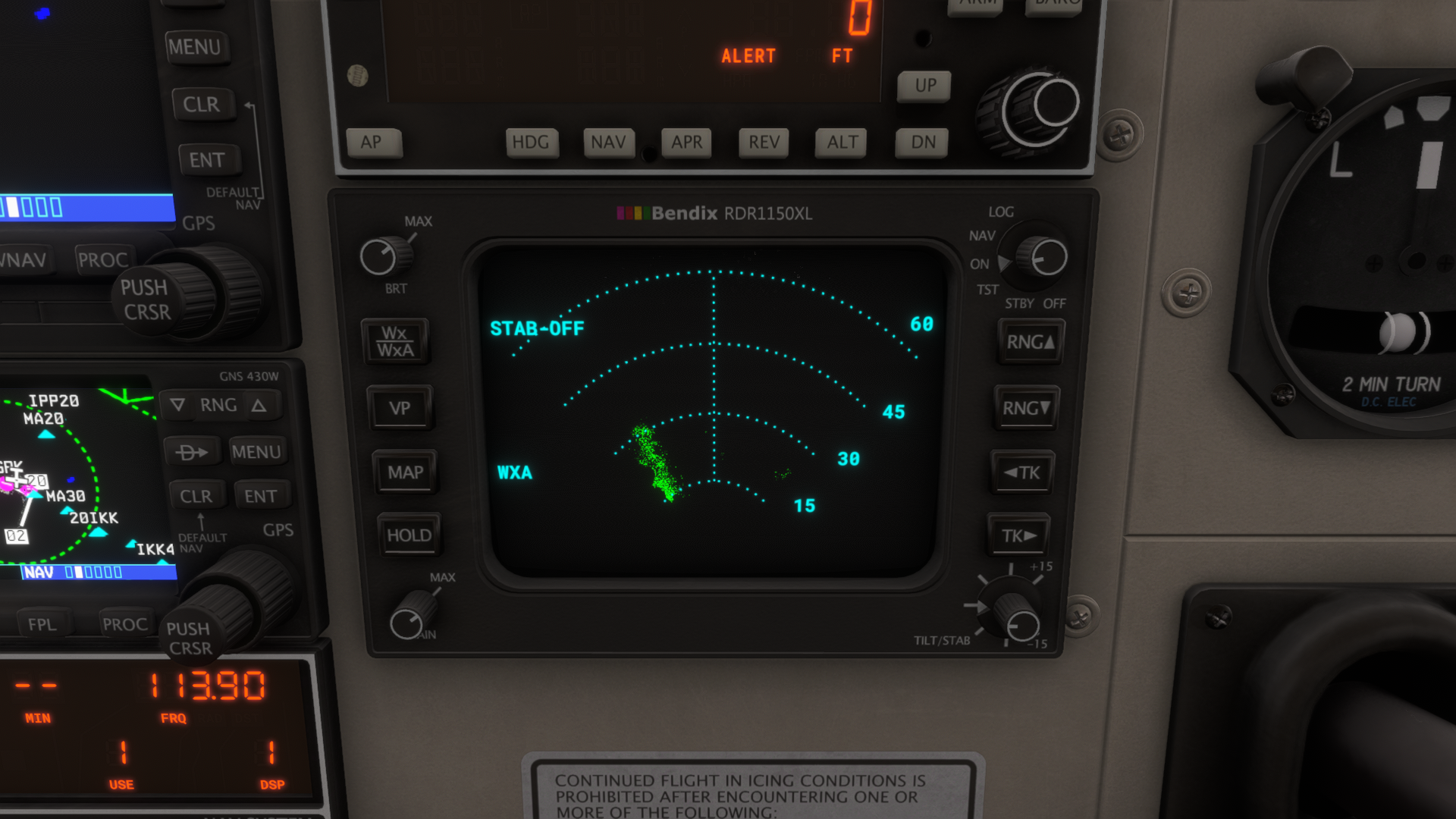
Still sitting on the ramp at EGPK heading 190° getting these results with the radar.
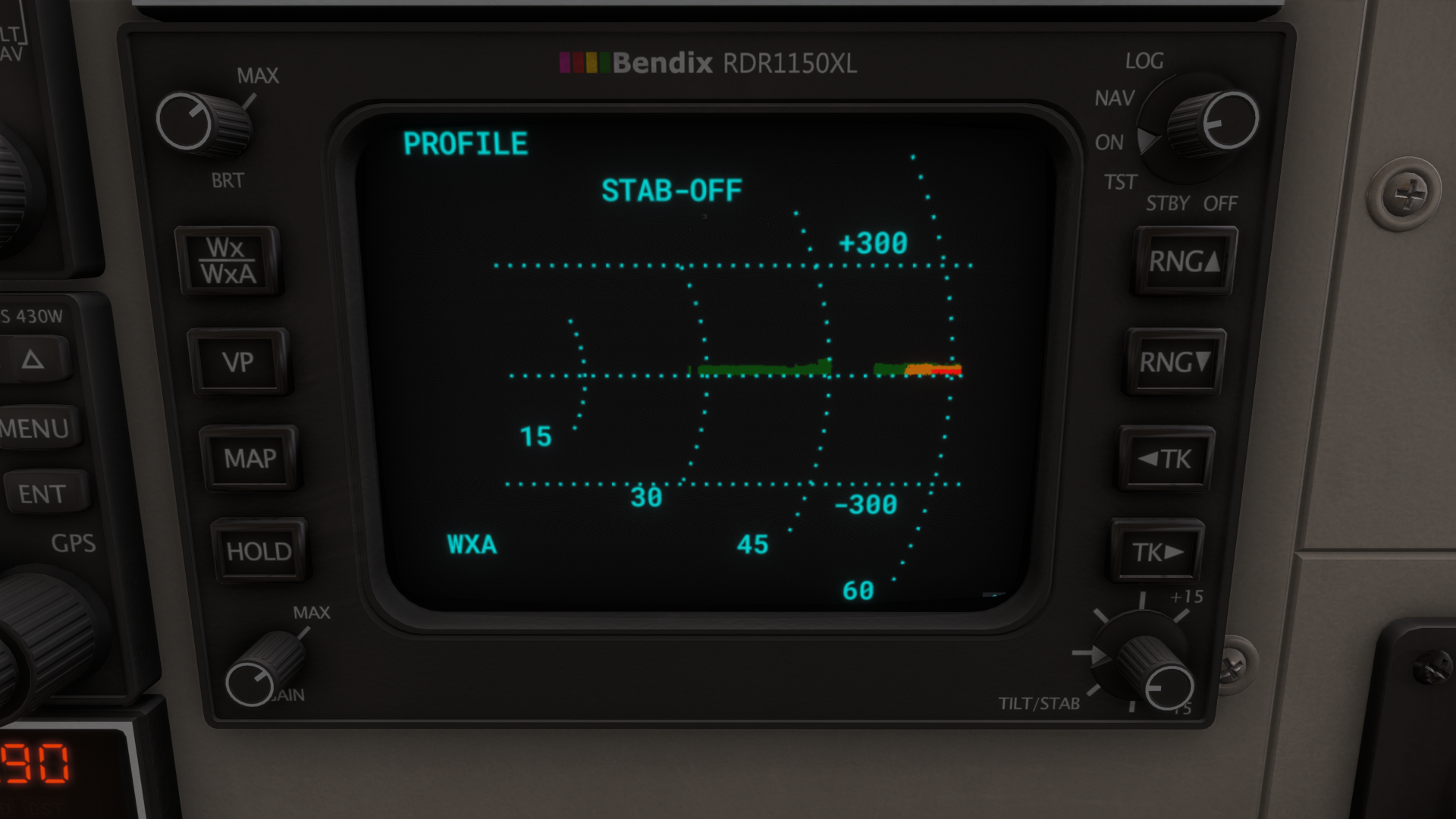
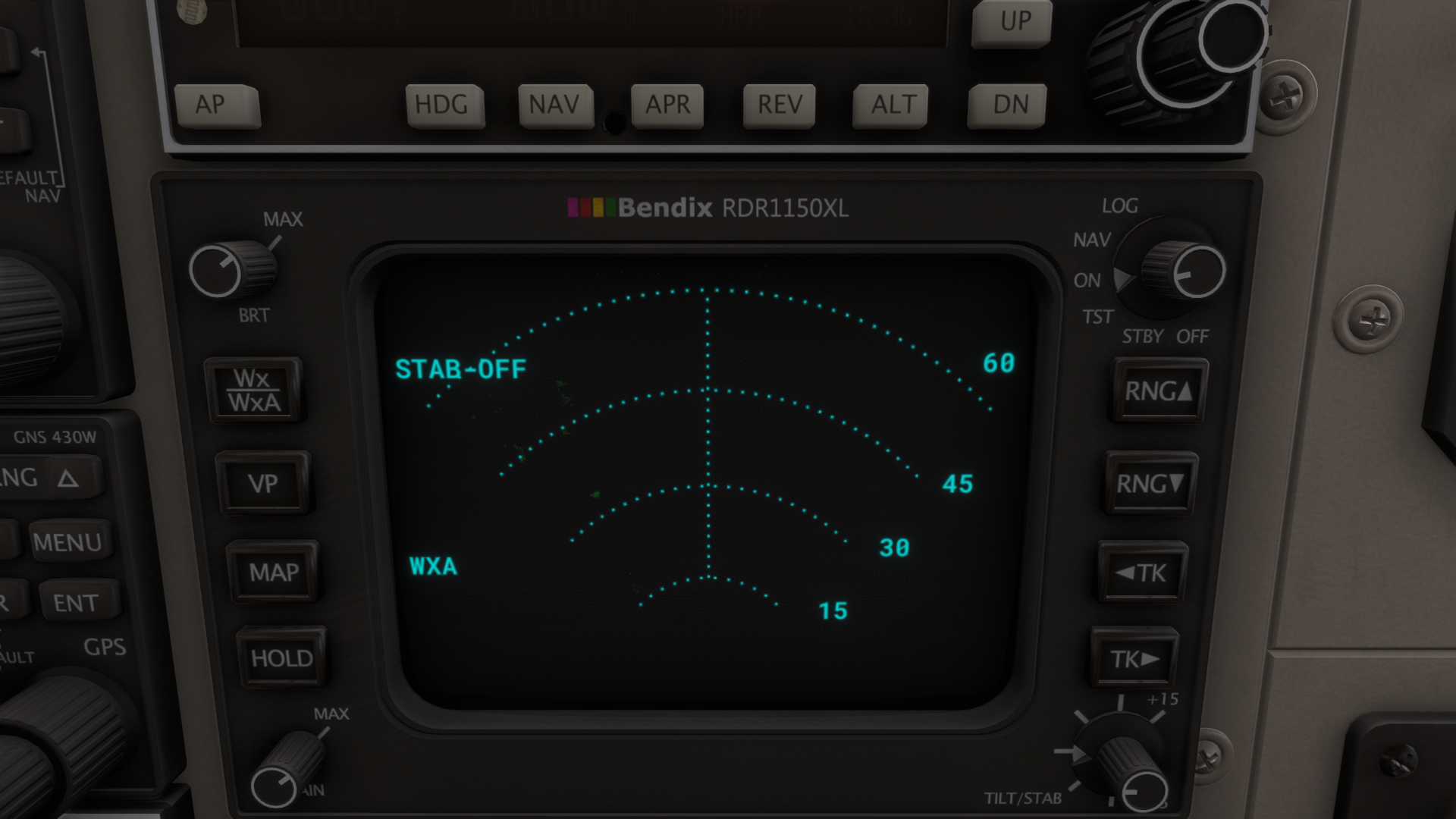
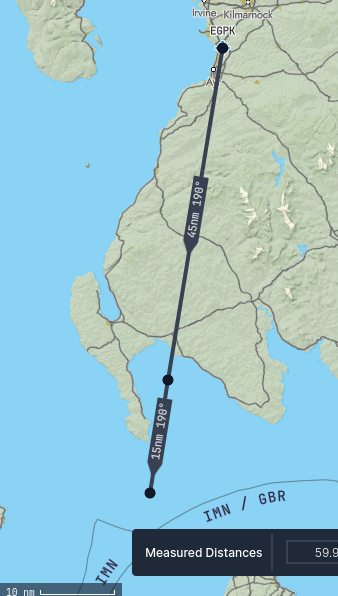
The chart is for your orientation.Are these echos on the VP from the landscape?
Why are there no echos on the normal top down view without changing range or tilt?
Is the VP a complete different radar mode (not just another representation of the data)?
And does changing the tracking change anything in the VP mode? -
I tried this second time while flying in manually entered rainy weather.
First sweep gives clean image:
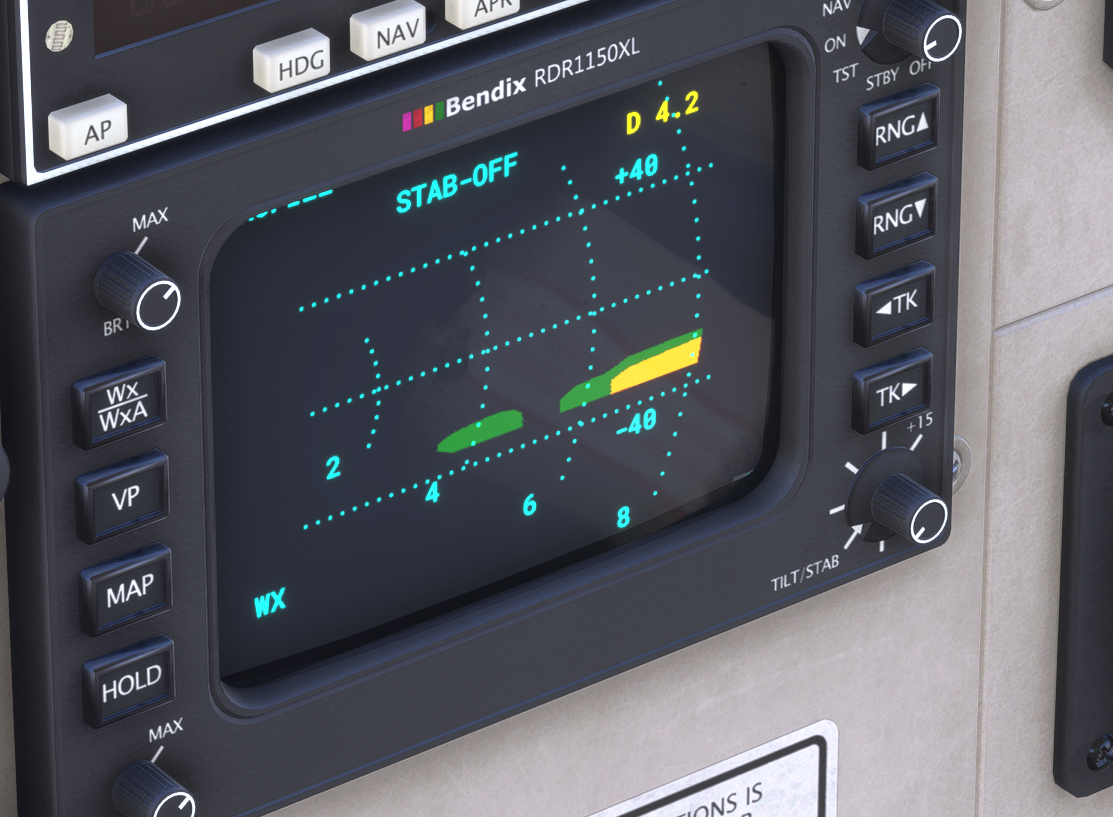
After that it's just a mess:
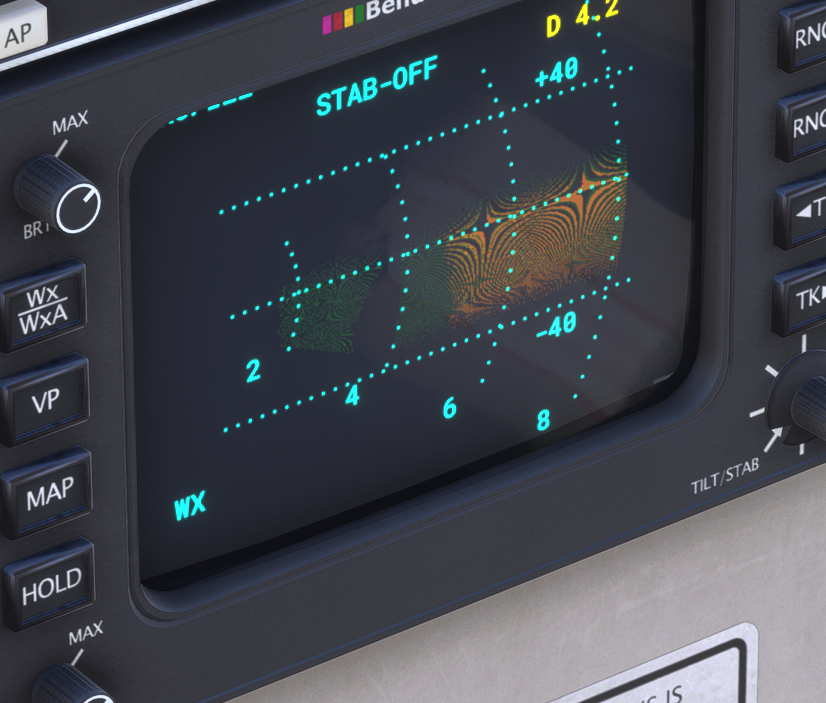
Sometimes it starts to mess even middle of sweep, note didn't draw anything on the left:
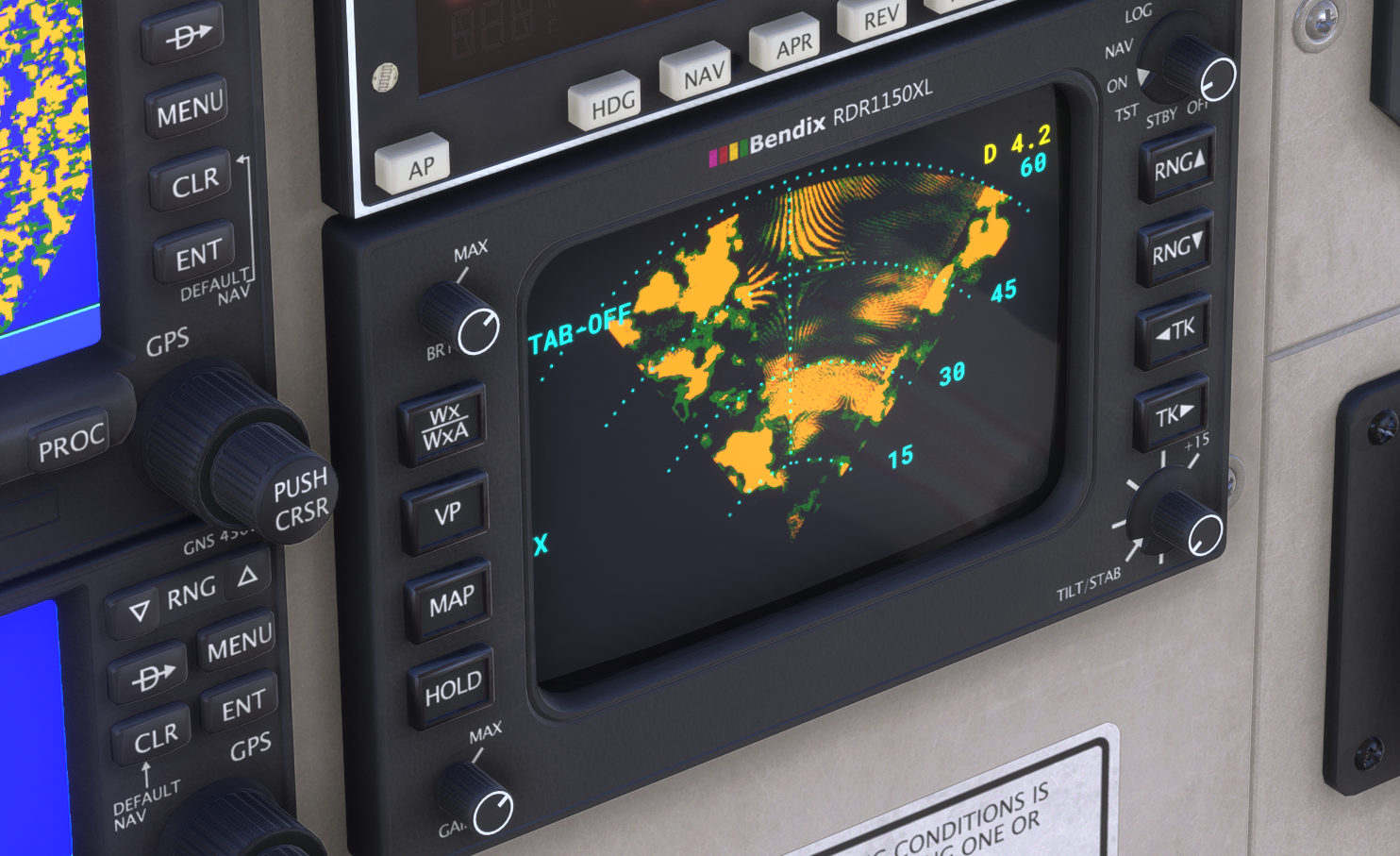
@Persojet said in Weather radar:
After that it's just a mess:
This is because you have the NEXRAD imagery up on the GNS 530. It's a known bug in MSFS since day one, and we haven't been able to coax a solution out of Asobo yet, to the best of my knowledge.
-
@Persojet said in Weather radar:
After that it's just a mess:
This is because you have the NEXRAD imagery up on the GNS 530. It's a known bug in MSFS since day one, and we haven't been able to coax a solution out of Asobo yet, to the best of my knowledge.
@Black-Square said in Weather radar:
@Persojet said in Weather radar:
After that it's just a mess:
This is because you have the NEXRAD imagery up on the GNS 530. It's a known bug in MSFS since day one, and we haven't been able to coax a solution out of Asobo yet, to the best of my knowledge.
You were absolutely right. I disabled NEXRAD and it started working like charm.