
TBM Inspection due soon
-
Hi there!
The next inspection is due soon, according to the ETM. Am I supposed to click something somewhere to perform maintenance or will it just reset when I pass the 200 hours mark?
One more question: I see that the ETM shows a value of 80% used. What is it referring to? The general condition of the TBM? The engine condition is 97% on the Tablet and WX Radar.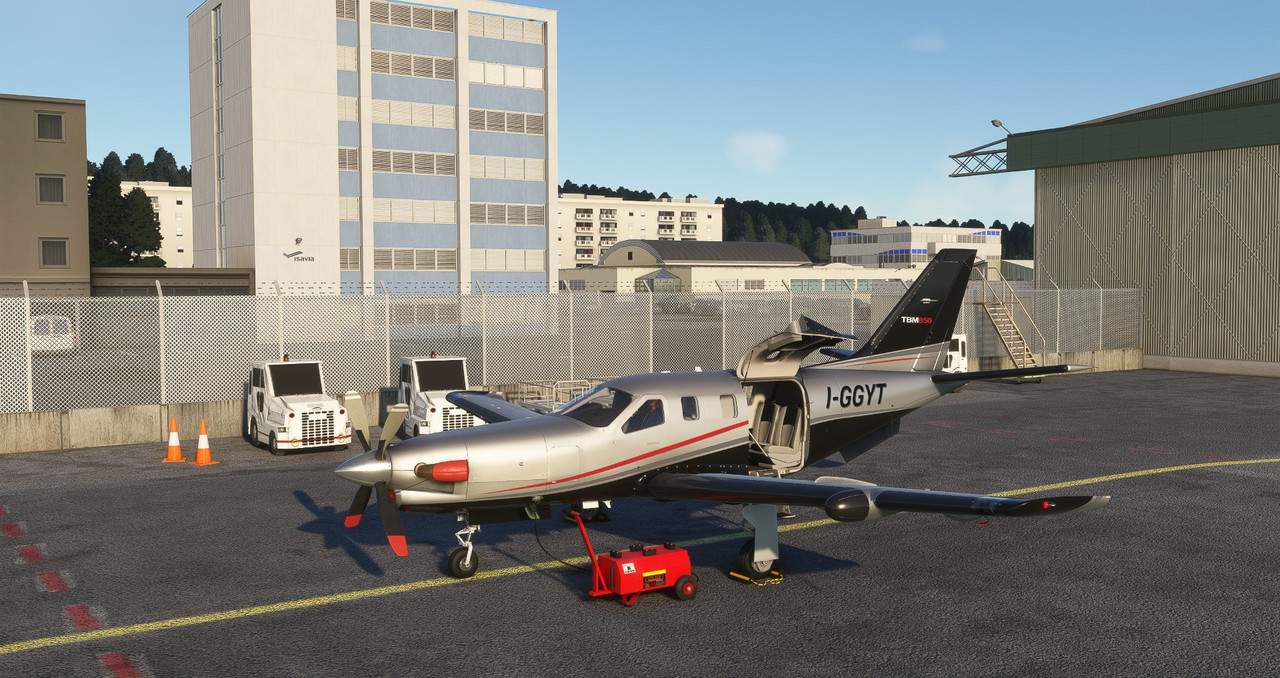
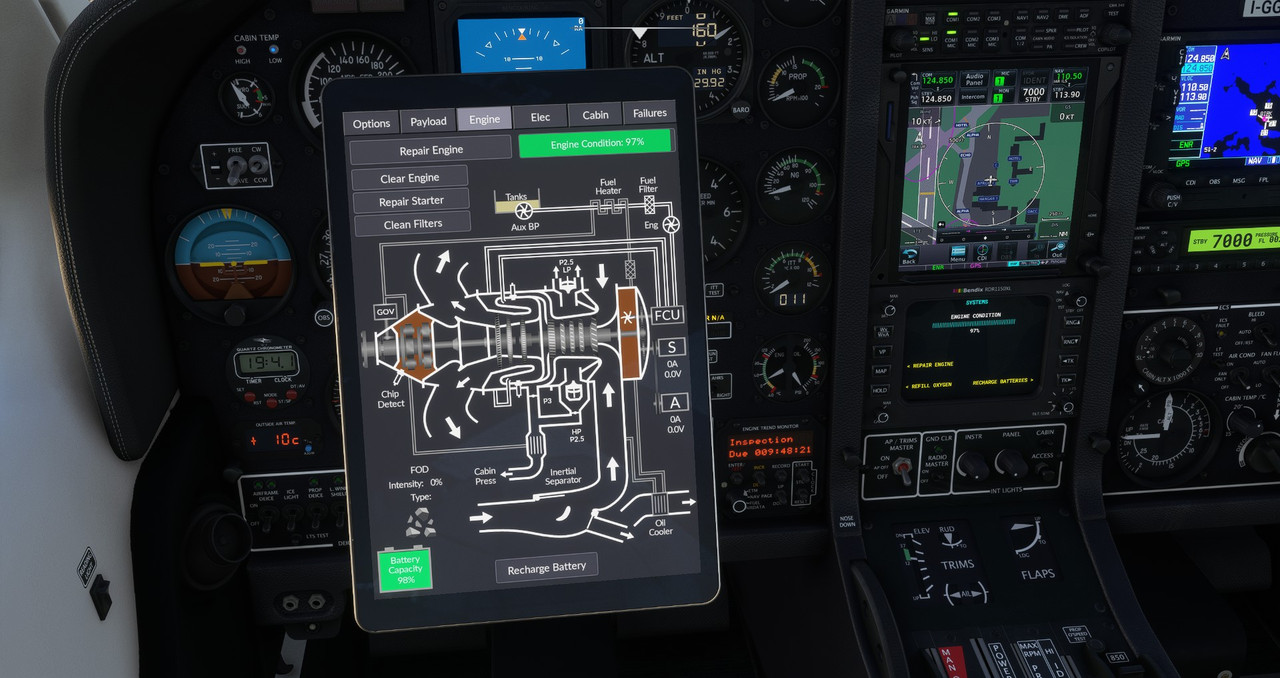
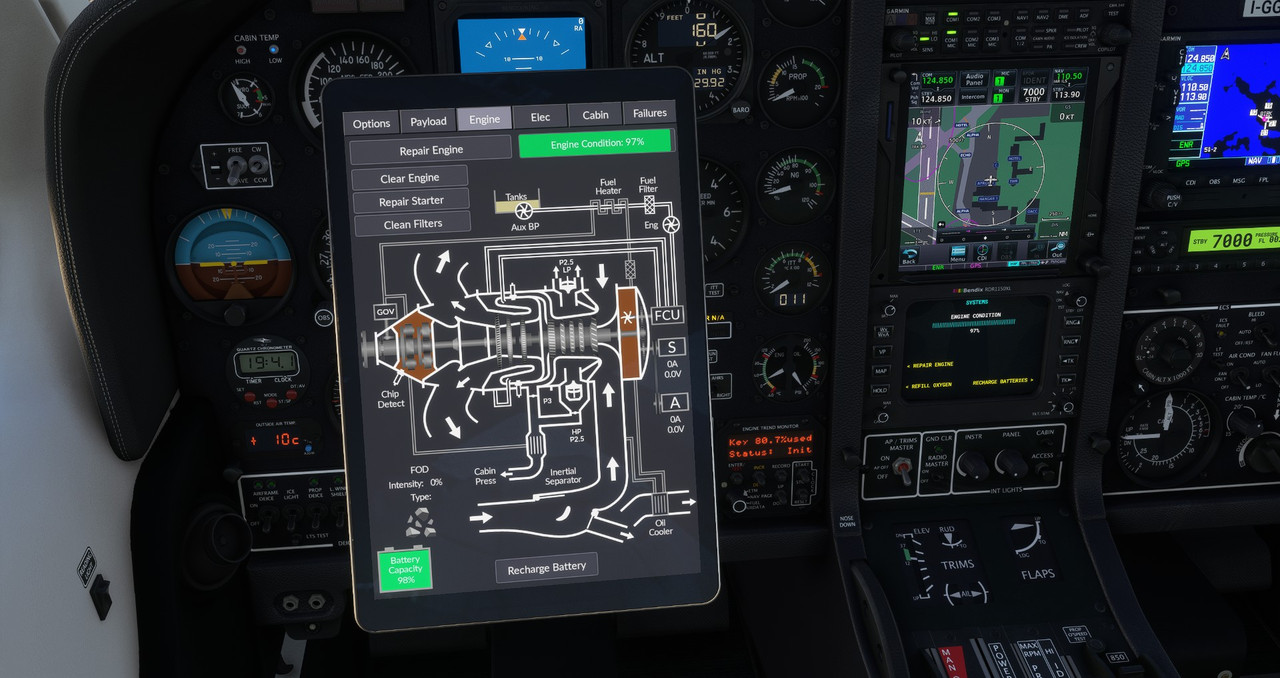
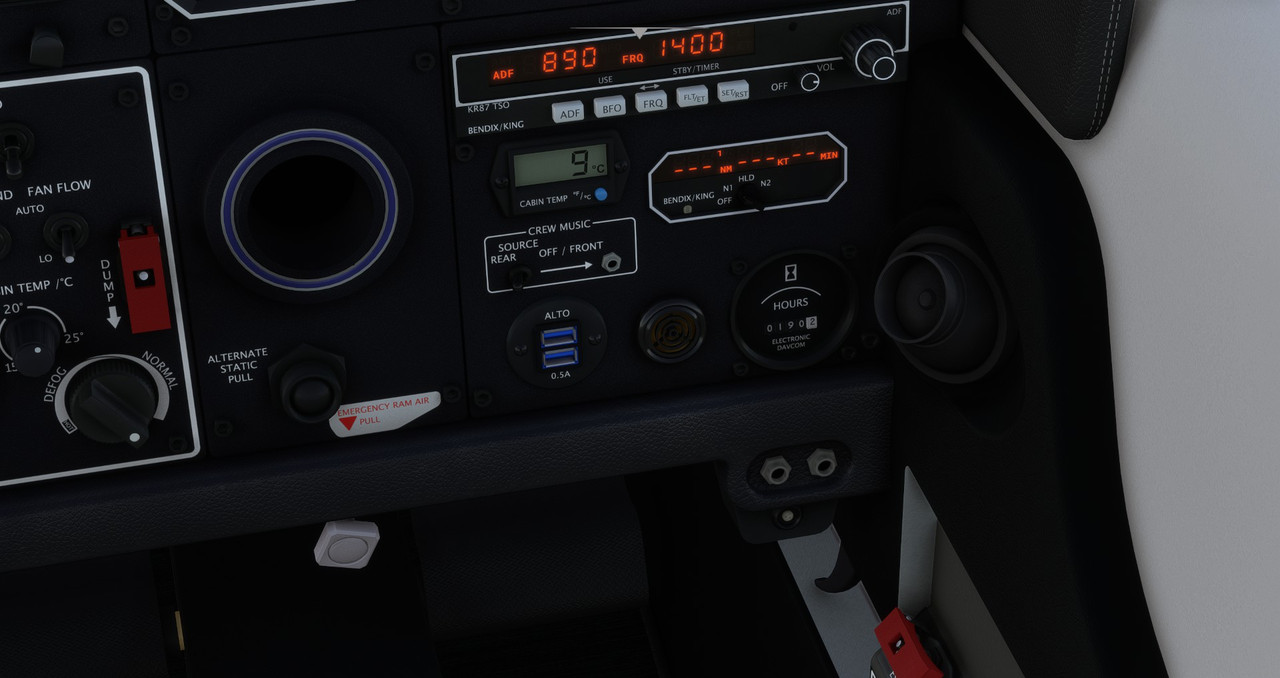
She's been treating me right so far, no big failures. I had issues with the prop governor and the engine surging around the 100 hours mark, at 120 hours the NAV 1 Receiver failed. The right landing light and the ice light failed at 129 hours and just this morning the Vacuum Pump moved on to greener pastures at 189 hours.
A few months back the inertial separator failed, but it might have been my fault: the switch on my hardware panel had an issue and it activated randomly a few times above 200 knots.The Turbine Duke on the other hand has been more temperamental, but still nothing majorly disrupting. I'm at about 160 hours on it if I recall correctly.
Looking forward to the next update, hopefully the TBM will start remembering the fuel load I left it with in the previous session.
Really hoping for the new sounds at some point, the headset simulation would be quite useful, she's loud!
A couple of questions:- is it ok to use the default menu to change fuel load? Sometimes I need to carry a fuel amount that is in between the options available on the tablet.
- did you manage to fix the prop heat switch? The animation doesn't work when controlled via the LVAR, but the green light comes on.
- a few things do not produce sound when controlled via LVARS, for example the gear down test or resetting the master caution/warning. Did I make a mistake or is it supposed to be like that? The button works, it's just silent.
Keep up the good work, this is definitely my favourite aircraft in MSFS.
-
Glad to see you're enjoying the TBM so thoroughly! This is exactly the kind of investment into one of my aircraft that they were built for. To answer your questions quickly in bullet from:
-
The inspection time will reset at the proper intervals.
-
The "key %used" refers to the USB stick in the unit that records all the data. It will also reset before hitting 100%. It's fun for me that you've flown enough to notice these details!
-
The TBM should already remember fuel load between flights, as all my aircraft have the code to do so, but state saving has been intermittent for some users since MSFS 2020, and sometimes bugged completely in MSFS 2024.
-
You can absolutely use the default payload interface instead of the tablet! That's actually in the FAQ in my manuals. I haven't checked in a while, but my canard aircraft might flip over backwards if you set passenger payload with the default payload interface, due to a lack of foresight on the part of someone at Asobo. We've asked them to fix this, but I don't think it's happened yet.
-
Looking at the code, I'm not sure what L:Var you're using for the propeller heat, because I didn't create one. It should be as simple as using the native event:
>K:TOGGLE_PROPELLER_DEICE. -
Are you sure the button animates with the L:Var? If it does, then the sound should play, since it's tied to the animation. If the button does not animate, then you might try adding
_IsDownto the end of the L:Vars, which works for some momentary switches and buttons.
-
-
Thanks for your reply, and thanks for the great addons!
I am on 2020 and the TBM has never remembered the fuel load between sessions. It does remember the payload, but never the fuel. I believe it works correctly on the Duke, but I am not sure at the moment.
As for the prop deice, I was in fact using the default toggle event through SPAD.Next, but the switch wasn't animated. However I just noticed the B even B:DEICE_Propeller_1 and setting it to 1 or 0 seems to work: I get both the green light and the animation. The Toggle event was only giving me the light, no switch animation.
I'll experiment with the _IsDown addition to LVARS. The Annunciator TEST and the gear down test have neither sound, nor animation, whereas the deice light test, ECS fault light test and the ITT test work correctly.
Cheers!
