
Too pronounced lines when zoomed out
-
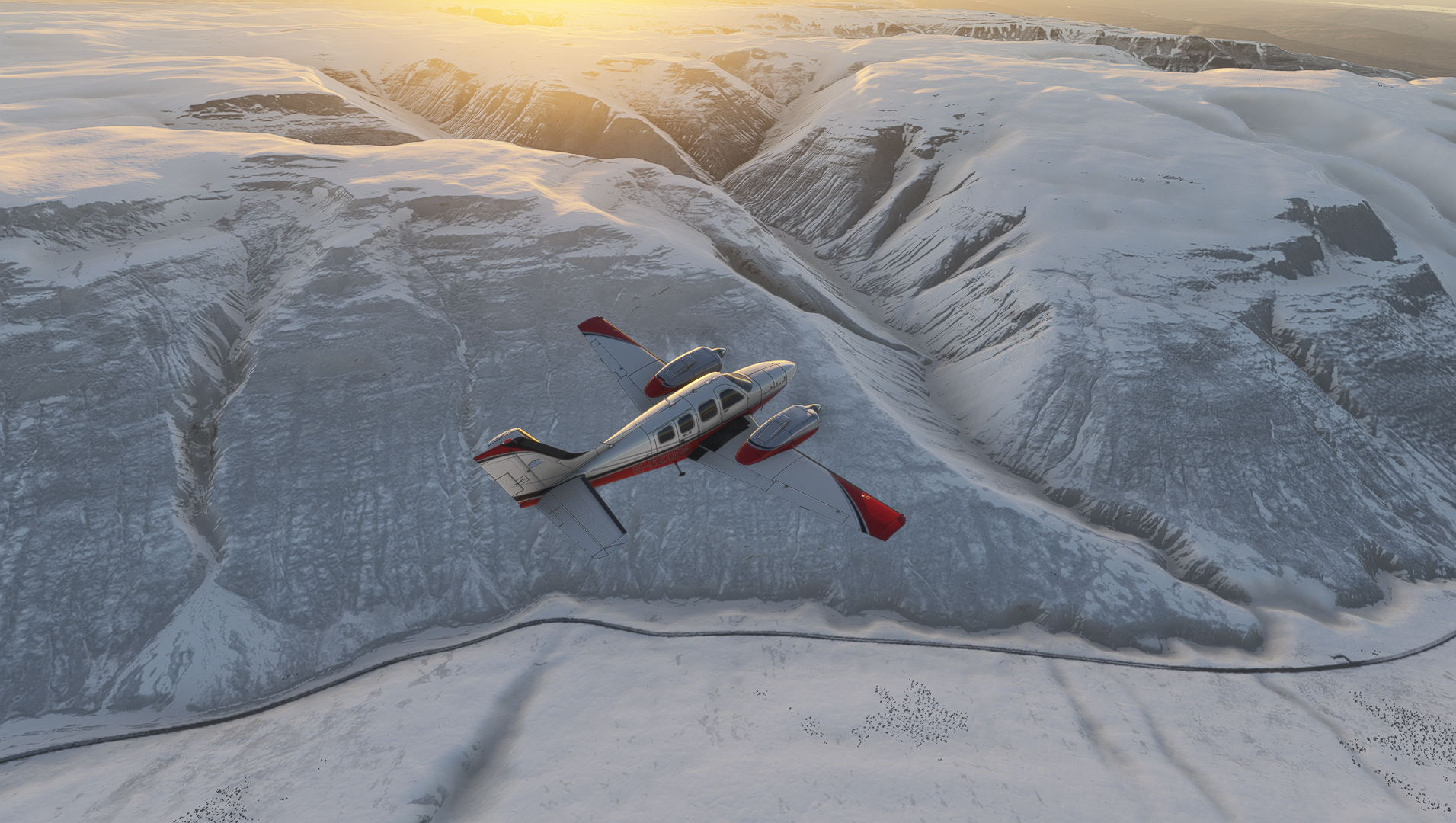
Hi there, love the Black Square planes, but with the Baron and Bonanza I have a strange graphical effect in MSFS2024. When zoomed out to medium range in outside view the lines in the fuselage become very pronounced which quickly starts looking unrealistic. I noticed this right after the purchase, but it wasn't a big deal, sadly later I've bough Chase Plane, and now it is one, because I would love to enjoy the cinematic views, which almost exclusive operate with those longer zoom levels

Reinstalled and checked my graphical settings, but I see nothing that could be causing it, all settings are pretty high. I guess it's a LOD issue with how those two planes are made and something in my settings is triggering it? I see in no other Black Square planes that I own or any other plane at all.
-
Glad to hear you're enjoying the latest additions to the fleet! Those lines occur because of the "mip mapping" process, which is a technique your graphics card uses to downsample textures when viewed from a distance. You can consider it LOD for textures, instead of LOD for models, like you might usually think. The only "solution" is for us modelers to expend precious texture space by bleeding the UV islands into unused texture space. Thus, it can depend on the aircraft, the livery, and the part of the aircraft, how much you see this. It's also affected by the camera in the simulator, particularly FOV, and anything that might signal to the MSFS engine that you're viewing the aircraft from farther away, or that it's taking up less of your screen area. (The latter is how the model LOD system works.)
Since I don't see this in my aircraft, nor does it appear that the majority do, I suspect that the textures on the Baron and Bonanza are just on the edge of this margin for your view, your graphics card, your settings, and maybe the chaseplane camera too. I might suggest giving your MSFS graphics settings (and maybe any specific to your graphics card) a once over for "texture resolution", or "texture filtering", or similar sounding settings. Please let me know if you find a setting that makes a difference, so anyone searching this forum might find your answer too

-
Thank you for the detailed write-up, this might help me narrowing down the problem
I've checked some vidoes on youtube searching for people with the same issue but sadly all of the youtubers only use the standard close view when going external, so even if they had the same problem they wouldn't know
My hardware is super mainstream. i5 12600k, 5060Ti 16GB, 32GB, with the newest drivers, but I would assume if this would be a problem the issue would appear more under load and less when there's less going on, but it's always at the same ranges and the debug monitor doesn't show anything special when it comes to resources used.
No special settings for MSFS2024 in the NVIDIA applications.
In the sim everything is set to High (other than NPC and airports traffic, but I've also checked rising them to high).
As of now, I have only found one person on the MSFS forums that has reported the same issue.
An exciting mystery to solve, will continue investigating
