
Rocking the Baron Pro!
-
Just having a blast with the Baron Pro. So much I had to make this image (with AI's help):
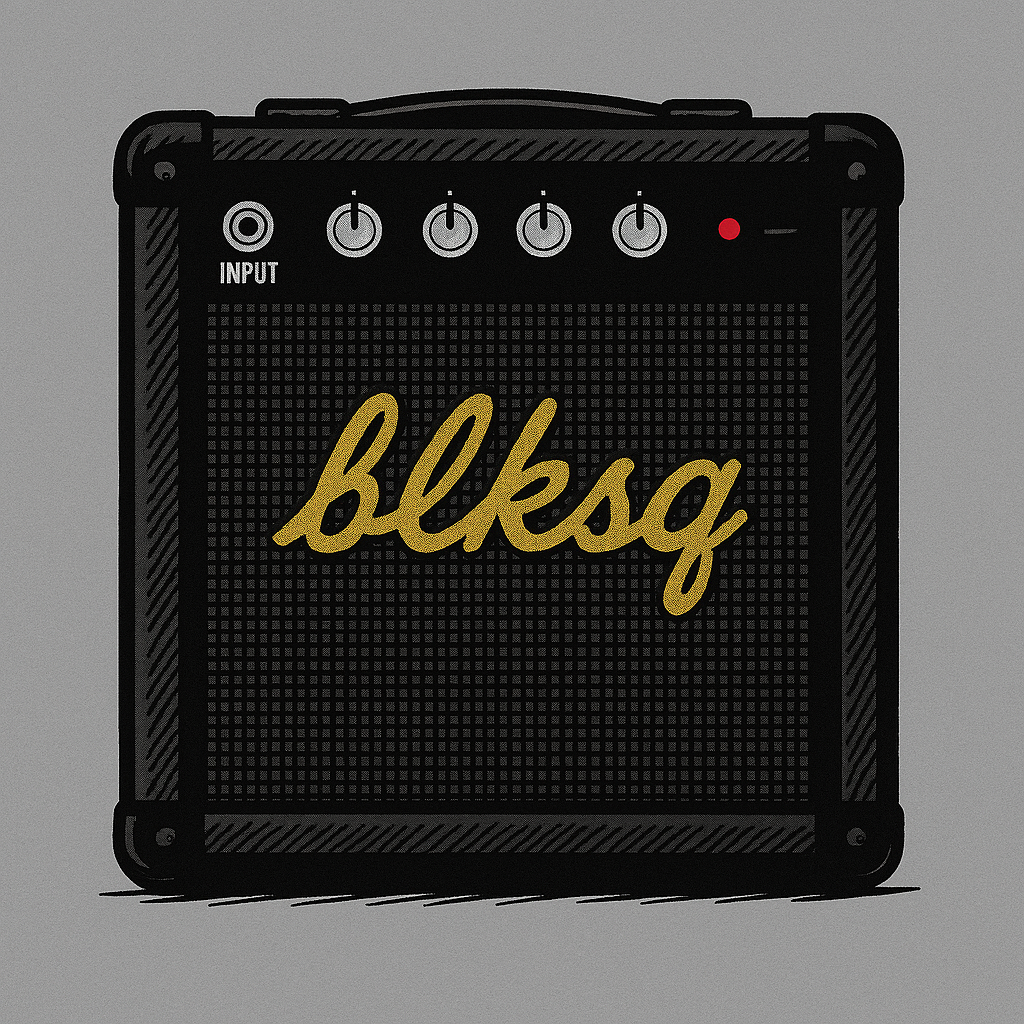
Now all I want for Christmas is the Caravan Pro...
-
OK, so yesterday I couldn't start either engine. They fire, but stop after that. I did all the troubleshooting, failures, etc. but nothing helped. I uninstalled it and downloaded the latest version, still no joy. So I tried the turboprop Bonanza and that won't start! The starter whined and the prop moved very slowly. Nothing happening with the engine instruments. I then saw the starter had failed, so I repaired it, but then absolutely happened when I tried to start. Any ideas, anyone?
-
OK, so yesterday I couldn't start either engine. They fire, but stop after that. I did all the troubleshooting, failures, etc. but nothing helped. I uninstalled it and downloaded the latest version, still no joy. So I tried the turboprop Bonanza and that won't start! The starter whined and the prop moved very slowly. Nothing happening with the engine instruments. I then saw the starter had failed, so I repaired it, but then absolutely happened when I tried to start. Any ideas, anyone?
@AngleofDangle Have you tried checked that you have enough fuel in the tanks? It does that when the tanks are dry.
-
Ooooooh, I'll be so embarrassed if that's the case! But I will let you know, and thanks for the response.
-
It certainly does seems like a fuel exhaustion problem... but I have full tanks. I've also been through my hardware key bindings for all fuel and magneto settings. I removed any that were active and still no dice with this lovely plane. However, I did open a help ticket and am in comms with the team, so fingers crossed!
-
Hi guys, fixed with help from Dan and a JF ticket. I checked all the button mapping for the Honeycomb Bravo. Nothing for fuel cutoff, but I did find this in my mixture button mapping:
DECREASE_MIXTURE 1 - set to number 28
DECREASE_MIXTURE 2 - set to number 33
I had been using number 28 for Set Starter 1 (Hold) and button 32 for starter 2. Clearly button 28 hit both the starter and mixture decrease, then when engine number 2 started, I rocked the switch back to number 33 and mixture again decreased. I saw no conflicts when I mapped this, but I think that was on another mapping profile. I had no idea about these bindings until I searched the Controls for 'Mixture'. I've cleared the mixture button mapping and now have a dedicated Baron Pro profile. So happy to have the Baron back in the sky! Thanks for all your replies and help. Happy New Year everyone!