Skip to content
  • Categories
  • Recent
  • Tags
  • Popular
  • Users
Collapse
Just Flight Community Forum
  1. Home
  2. Just Flight
  3. MSFS Products
  4. F28 Professional
  5. Cockpit lights too bright

Cockpit lights too bright

Scheduled Pinned Locked Moved F28 Professional
6 Posts 3 Posters 53 Views 1 Watching
  • Oldest to Newest
  • Newest to Oldest
  • Most Votes
Reply
  • Reply as topic
Log in to reply
This topic has been deleted. Only users with topic management privileges can see it.
  • L Offline
    L Offline
    Leon
    wrote last edited by
    #1

    Hi there,

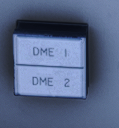
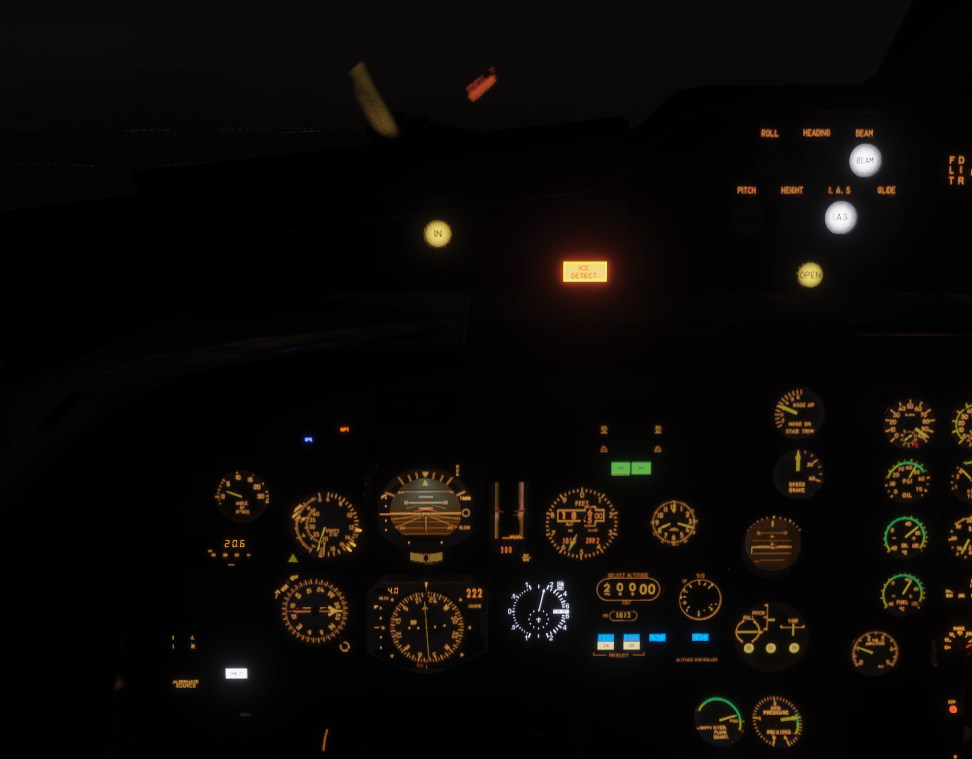
    Is there a way you can dim the DME2, ICE DETECT, VSI/TCAS lights? I find them to be extremely bright at night.

    Regards, Leon
    716a575c-d73c-47d7-86b7-7b9cd18c3d3e-image.png

    1 Reply Last reply
    0
    • MarkM Offline
      MarkM Offline
      Mark
      JF Staff
      wrote last edited by
      #2

      On the Secondary Instrument Panel (forward of the throttle levers), there should be a BRT/DIM switch which controls the brightness of annunciators. It's been a while since I've flown the F28, but I think that should dim the items you mentioned.

      Mark - Just Flight

      Just Flight Development Assistant

      1 Reply Last reply
      0
      • L Offline
        L Offline
        Leon
        wrote last edited by
        #3

        So that switch only seems to dim the Caution lights for all the hydraulics, Pumps fuel press lights but not the ICE DETECT or the DME lights. Ive tried every switch but very well missed a few. Ive looked in the manual as well but couldnt find anything.

        1 Reply Last reply
        0
        • MarkM Offline
          MarkM Offline
          Mark
          JF Staff
          wrote last edited by
          #4

          Our best recommendation would be to open a support ticket with Just Flight Support via the following link, and we can get that feedback logged on our internal trackers: https://www.justflight.com/support

          Mark - Just Flight

          Just Flight Development Assistant

          1 Reply Last reply
          0
          • G Offline
            G Offline
            GroverJ41
            wrote last edited by
            #5

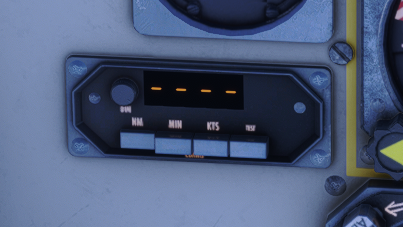
            There is a knob on the left of each DME2 display (above the NM selector button) which you can turn to adjust the brightness.

            I will echo that I also find the ICE DETECT light to be a bit piercingly bright when flying with a nicely dimmed cockpit at night, but I suppose it's meant to get your attention!
            1 Reply Last reply
            0
            • L Offline
              L Offline
              Leon
              wrote last edited by
              #6

              Thank you for your reply!

              I think the dimming button you are thinking of is for this panel here.
              image.png

              I was talking about this light down here.

              image.png

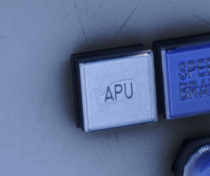
              Also there is the same issue with the APU light.

              image.png

              Regards, Leon

              1 Reply Last reply
              0
              Reply
              • Reply as topic
              Log in to reply
              • Oldest to Newest
              • Newest to Oldest
              • Most Votes


              • Login

              • Don't have an account? Register

              • Login or register to search.
              • First post
                Last post
              0
              • Categories
              • Recent
              • Tags
              • Popular
              • Users