
Paintkit question
-
Hi, firts thanks you for your incredible work for this plane. I'm starting doing some livery and I have some question and remarks :
1 : On the first small cargo door, the paintkit seems to have a issue on the handle
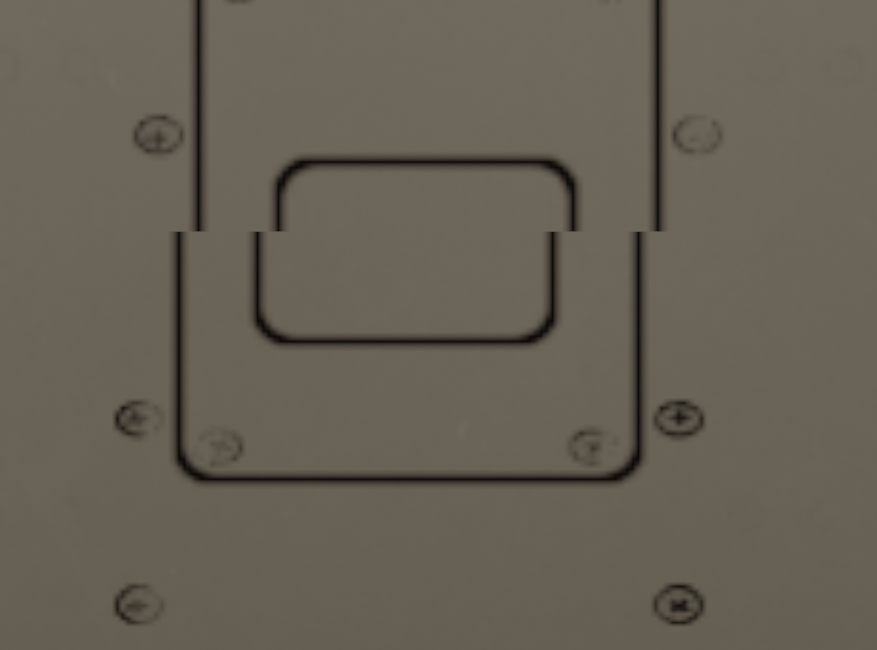
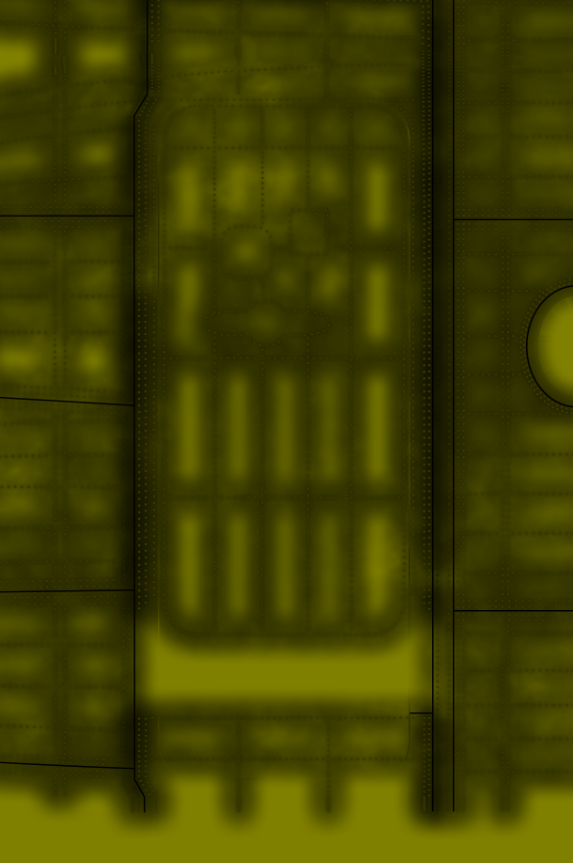
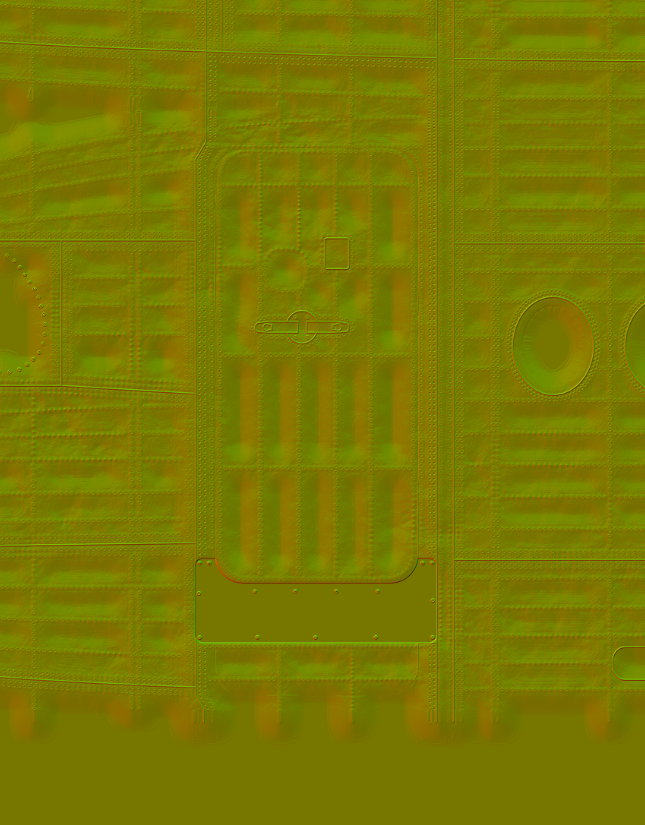
2 : How to edit the NORM fill ? I need to remove the metallic plate on L1 but the paintkit result is different with the one available in the texture folder of the plane.
psd files :
/textures files :
3 : I don't manage to get the headrest working in the cabin in the sim while it's working on blender.
Blender :
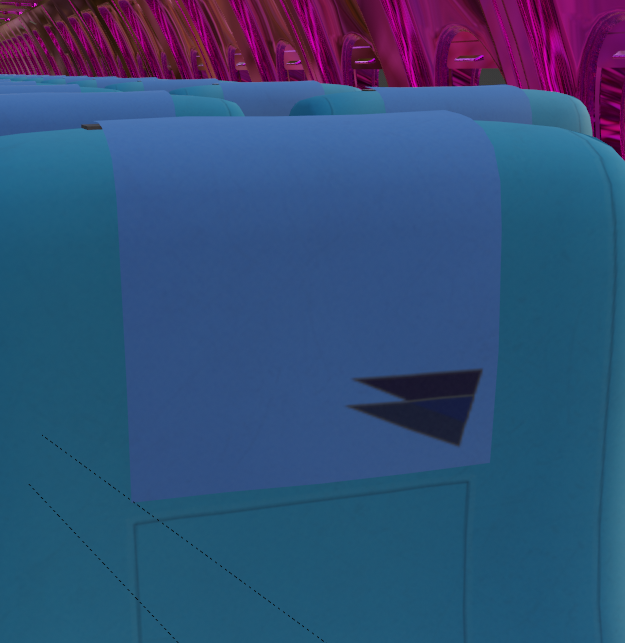
Sim :
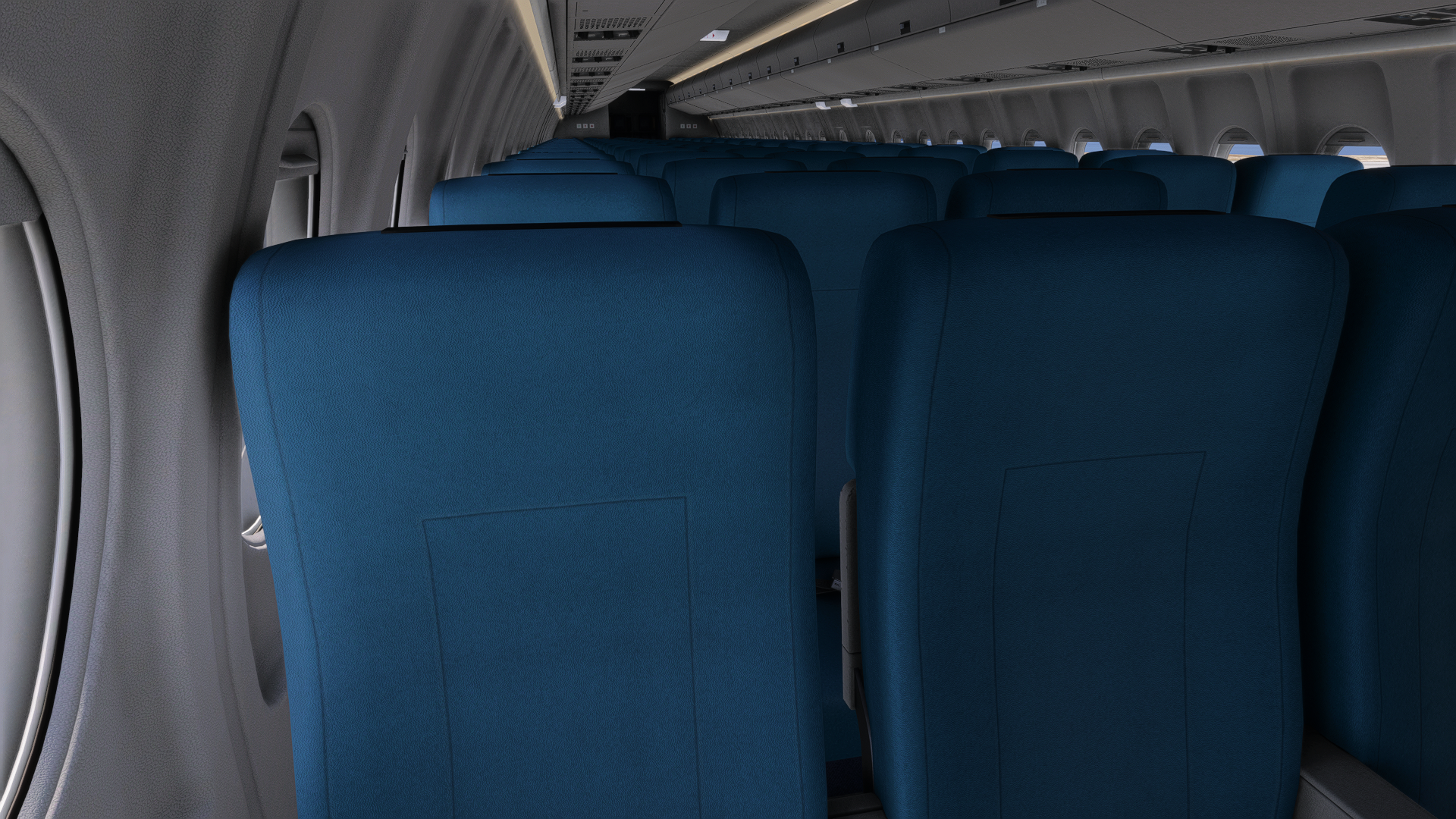
4 : Can we edit your cabin from the livery manager to gain time on our work ?
Thanks you very much
Kylian
-
We'll pass your comments on to our exterior artist, as artwork is all dark arts to me!
Regarding points 3/4, the headrest visibility is toggled using the livery_config.ini file that can be distributed with your livery. Instructions on that file and how to distribute it can be found in the Paintkit FAQ: https://support.justflight.com/en/support/solutions/articles/17000151438-f70-f100-professional-msfs-paintkit
Mark - Just Flight
