
Left panel trims, dumpers etc. = VR issue (pull/push buttons)
-
For a while I was wondering why I couldn't click anything on the panel related to trim, etc. Only the first 3 PFC START A-R-E buttons worked + yaw dampers. The rest (push/pull buttons) were unusable.
It turned out (unfortunately there is no tooltip here) that you need to press them with .... the right mouse button.
But who came up with that?
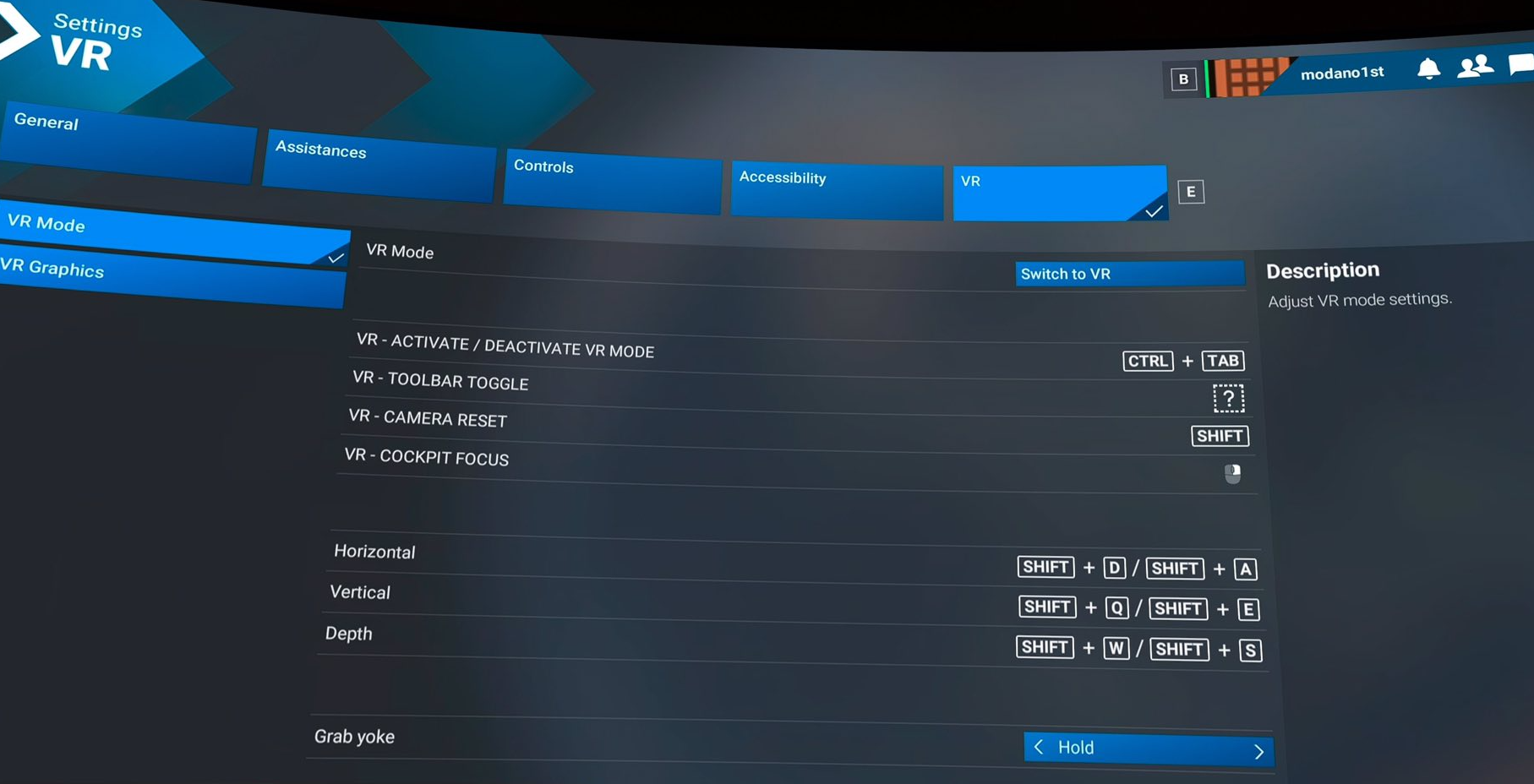
 The default right mouse button in VR is zoom - in MSFS2020, and generally, no one assigns it because it can't be assigned. We can operate either by pressing the left mouse button or by using the scroll wheel (moving up or down), and that's it. The right mouse button is untouchable. Unfortunately, you most likely don't have anyone on your team who has tested Vulcan in VR. Please change this. This causes a disastrous zoom effect when pressing these buttons, which I show in the video (recorded directly from VR).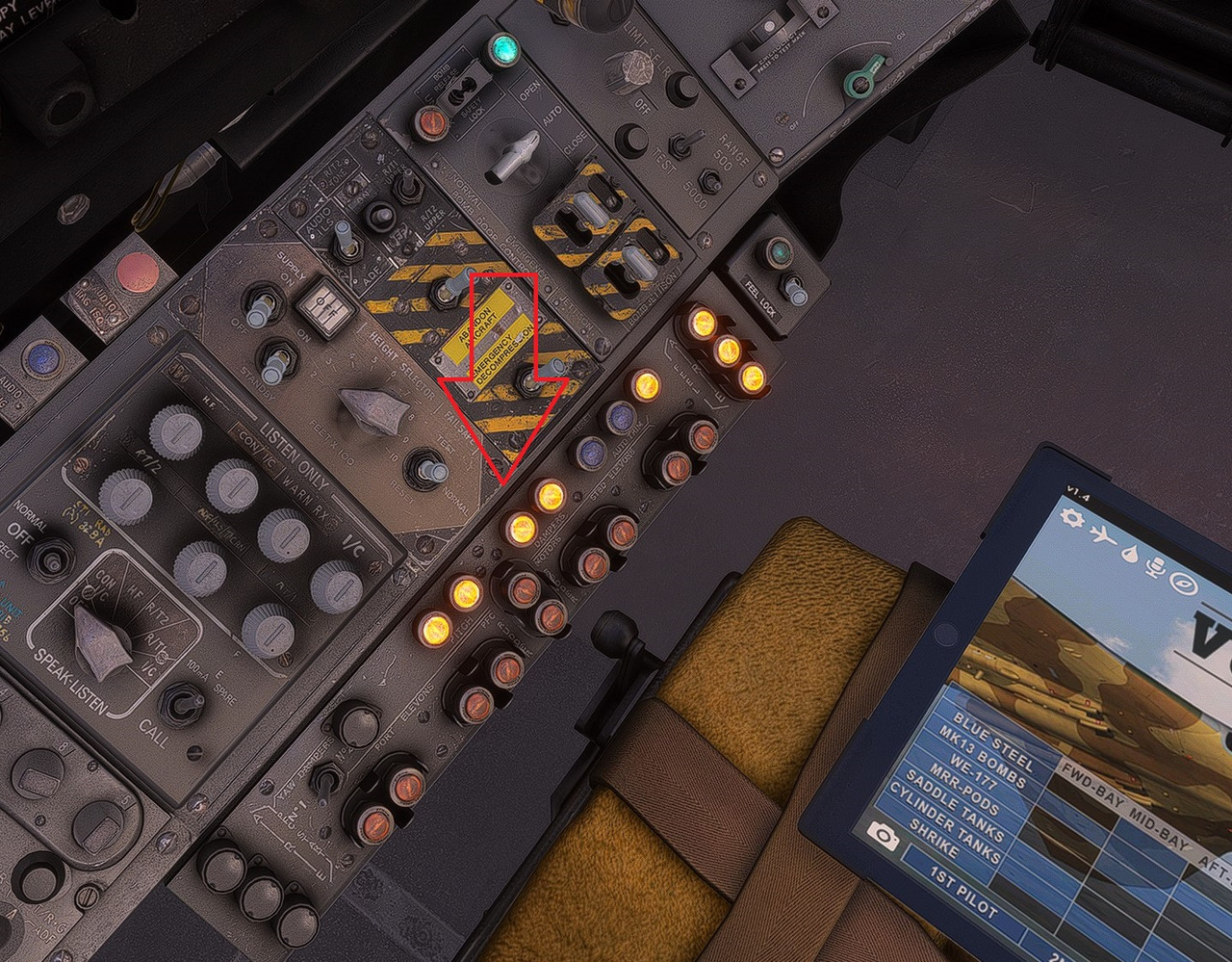
-
Thank you for the feedback. Could I kindly ask you to raise a ticket with Just Flight Support via the following link, and one of our support team will be able to assist with this and log it on our internal trackers if required: https://www.justflight.com/support
Mark - Just Flight
-
I'll add that this issue has been partially resolved. However, this applies to MSFS2024. There's an option to change the binding. However, the right mouse button is assigned in MSFS2020 (hard coden I suppose). Currently, I only fly in MSFS2024, so I changed the zoom assignment to Num0 and it's fine. It turns out that some of the press and pull buttons use the right mouse button, so it's a more involved operation.

