
the plane not reading the liveryconfig files of custom liveries from flightsim.to
-
I tried downloading liveries from flightsim.to and Hues Hub for the klm f100s and found that their custom headrests and the options to add taxi and logo lights in the .ini files didn't work at all
i added them in a LiveryConfigs folder in the work folder of the f100 in my community folder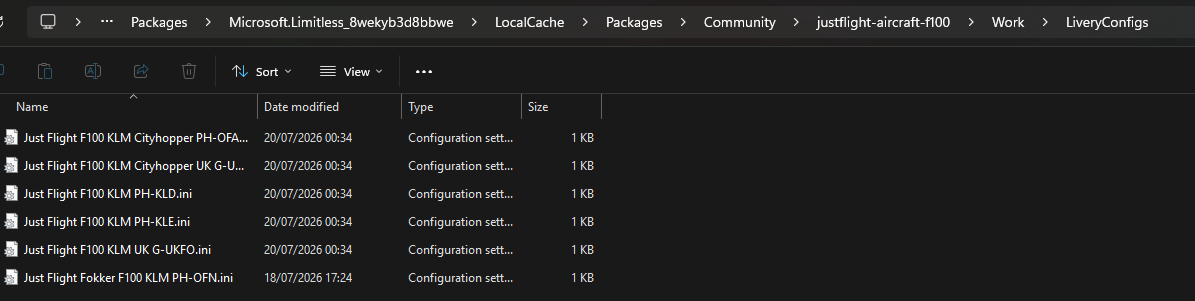
the inside of one of them is as follows:
[KLM Cityhopper (PH-OFA - 2008)]
hasLogo=1
hasTaxi=1
hasImpUnit=0
hasHeadrest=1
when loading into the livery the plane doesnt have the logo or taxi lights and the headrests are missing
EG.
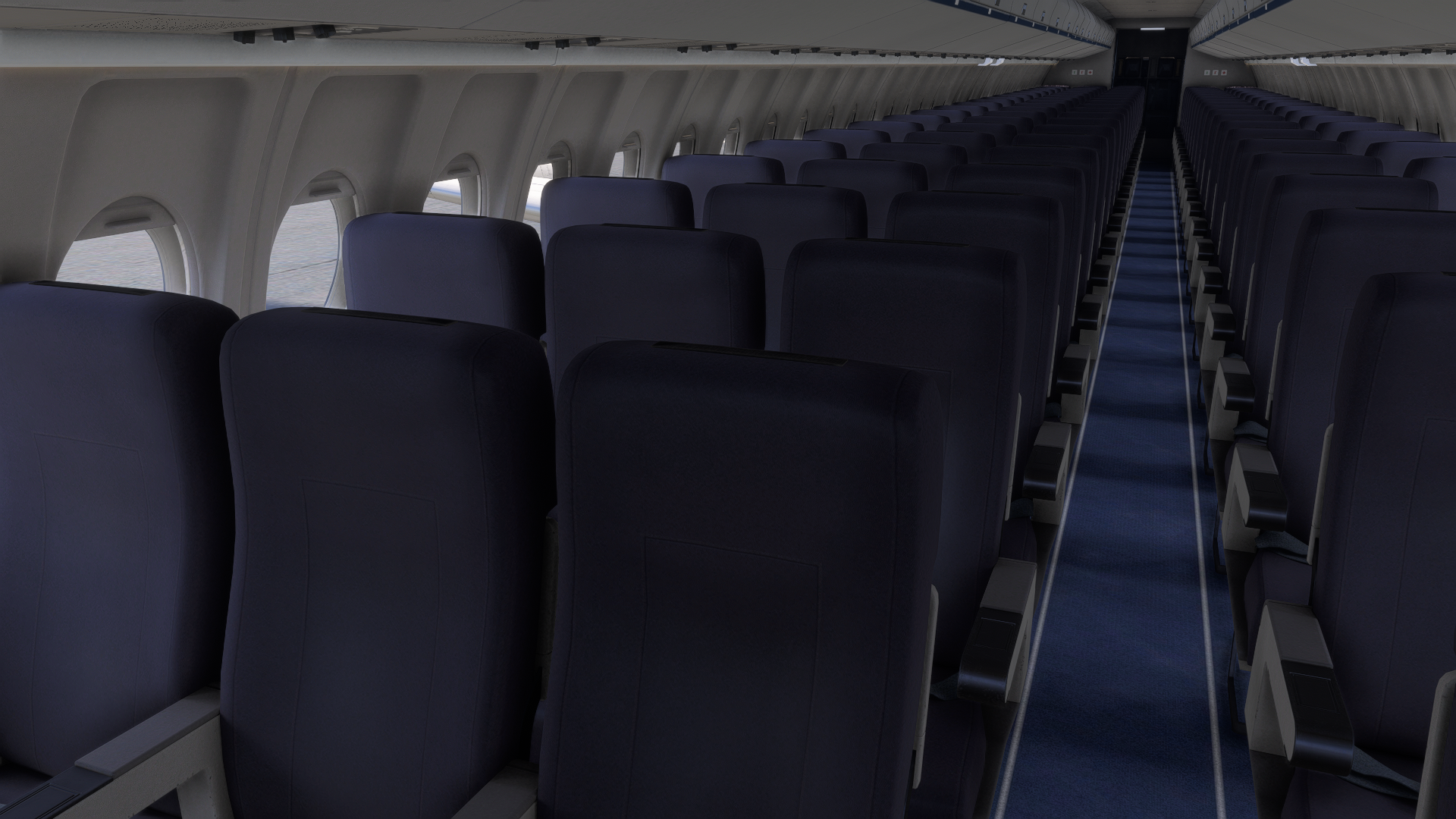
anyone know a solution for this?
Thanks -
The livery_config.ini file must be placed in the correct folder in order for the configuration to be correctly loaded. The exact location varies based on the product (F70/F100), simulator (MSFS 2020/MSFS 2024), and simulator version (MS Store/Steam).
Instructions for installing the livery_config.ini file can be found towards the bottom of the following FAQ: https://support.justflight.com/en/support/solutions/articles/17000151438-f70-f100-professional-msfs-paintkit
Hope that helps.
Mark - Just Flight
-
The livery_config.ini file must be placed in the correct folder in order for the configuration to be correctly loaded. The exact location varies based on the product (F70/F100), simulator (MSFS 2020/MSFS 2024), and simulator version (MS Store/Steam).
Instructions for installing the livery_config.ini file can be found towards the bottom of the following FAQ: https://support.justflight.com/en/support/solutions/articles/17000151438-f70-f100-professional-msfs-paintkit
Hope that helps.
Mark - Just Flight
@Mark I've installed it in the correct location based on my Steam Installation and the doors are still not working. With the sliding door it only opens with the EFB, and the L2 on liveries with it doesn't open at all, it's greyed out in the EFB screen. The JF installer liveries work fine though, but I don't see their livery configs in the config folder.
