
Custom Paint
-
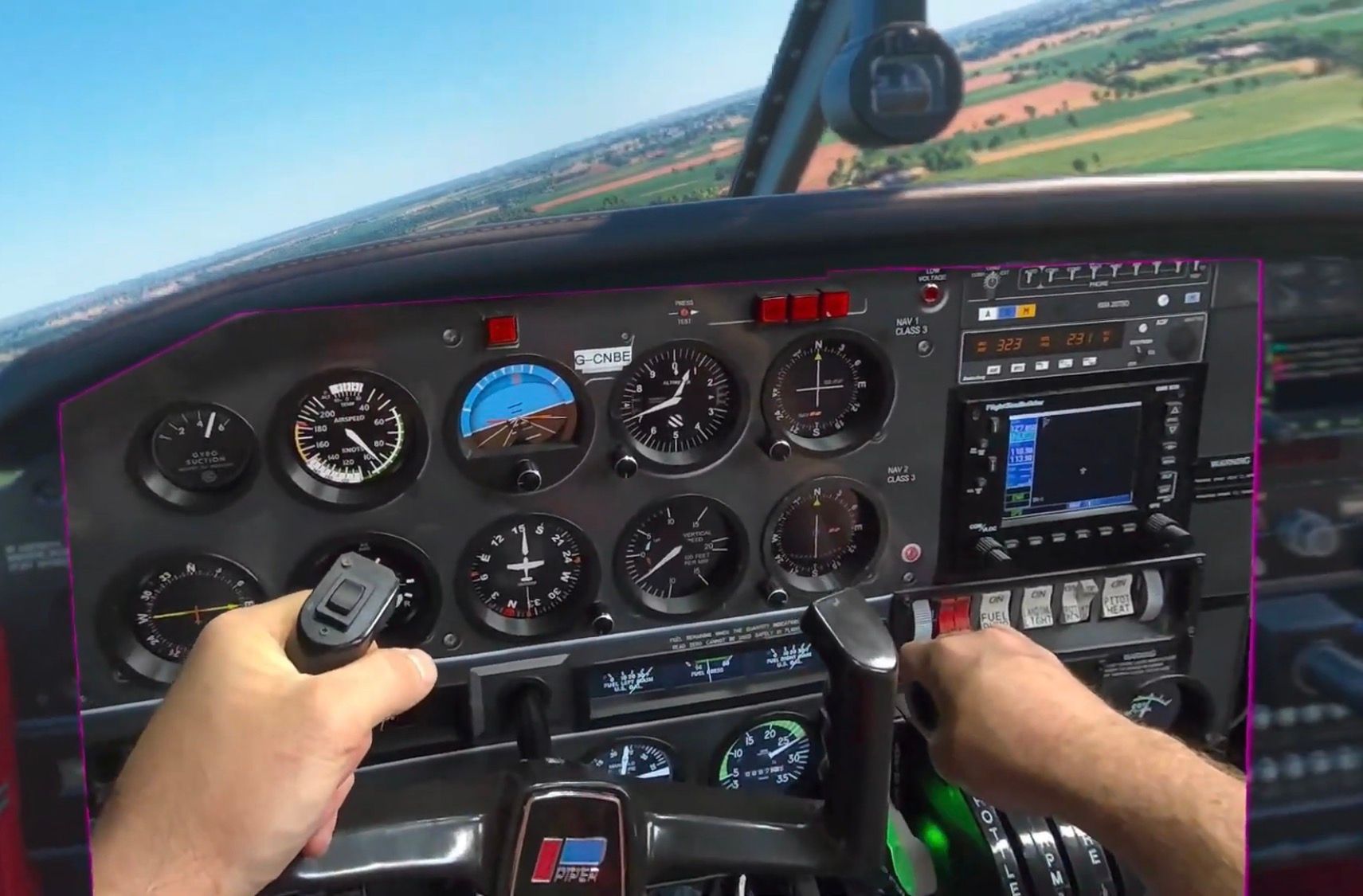
I looking for Information on how to change the cockpit dash board of the MSFS24 Piper Arrow III.
What I would like its to just have a section of the cockpit just a purple chroma colour and use it as pass through.
The image above shows what i can do with SimVr app to draw boxes to display but actually using the colour ingame would give a crisp cut out.
I have a little experience with painting the exterior so maybe just what files and where they are located would be a start.
-
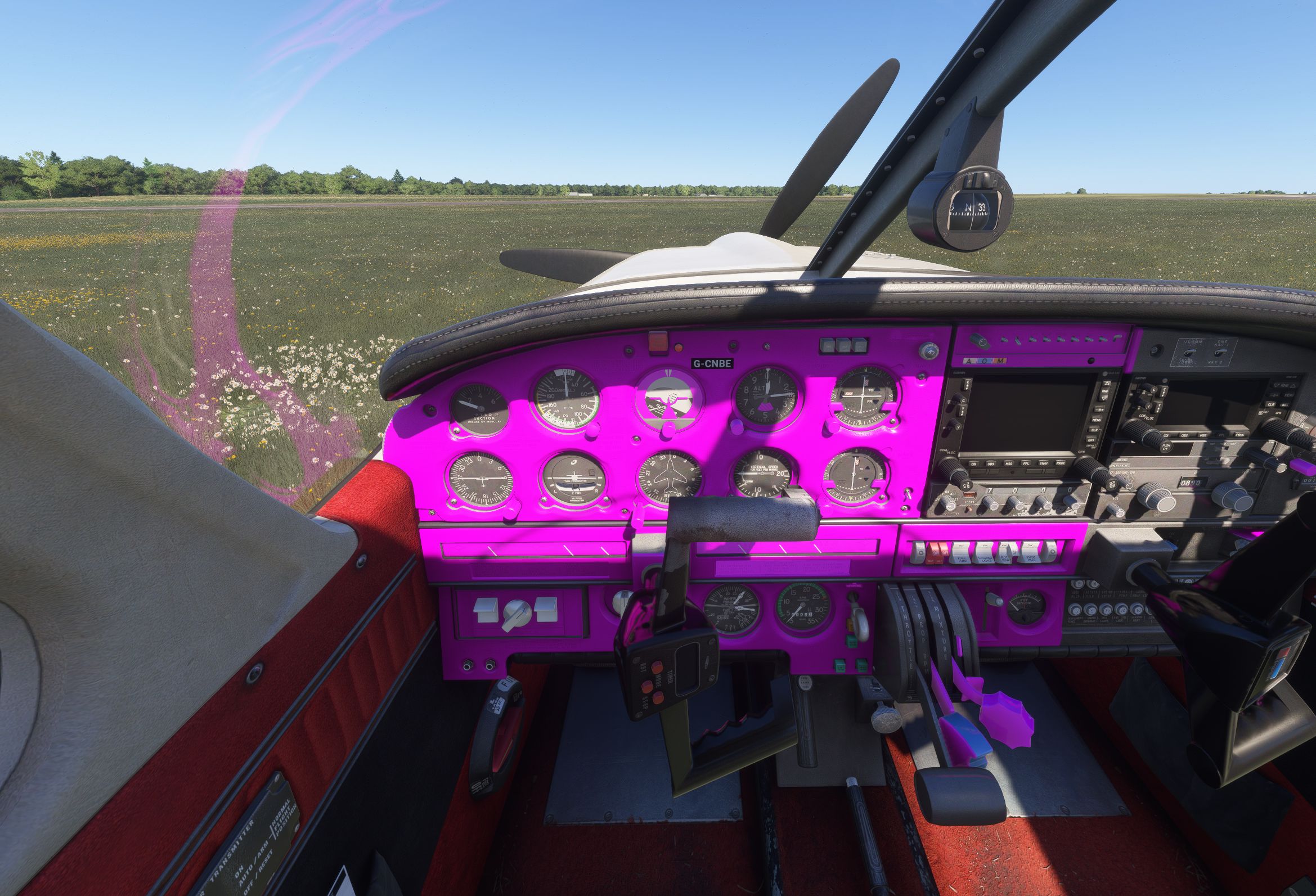
Thank you, Well I have worked out how to change the dash colour, very posh

Just need to work out fill the whole area in, Now going to test if it passes through what is the purple chroma colour
-
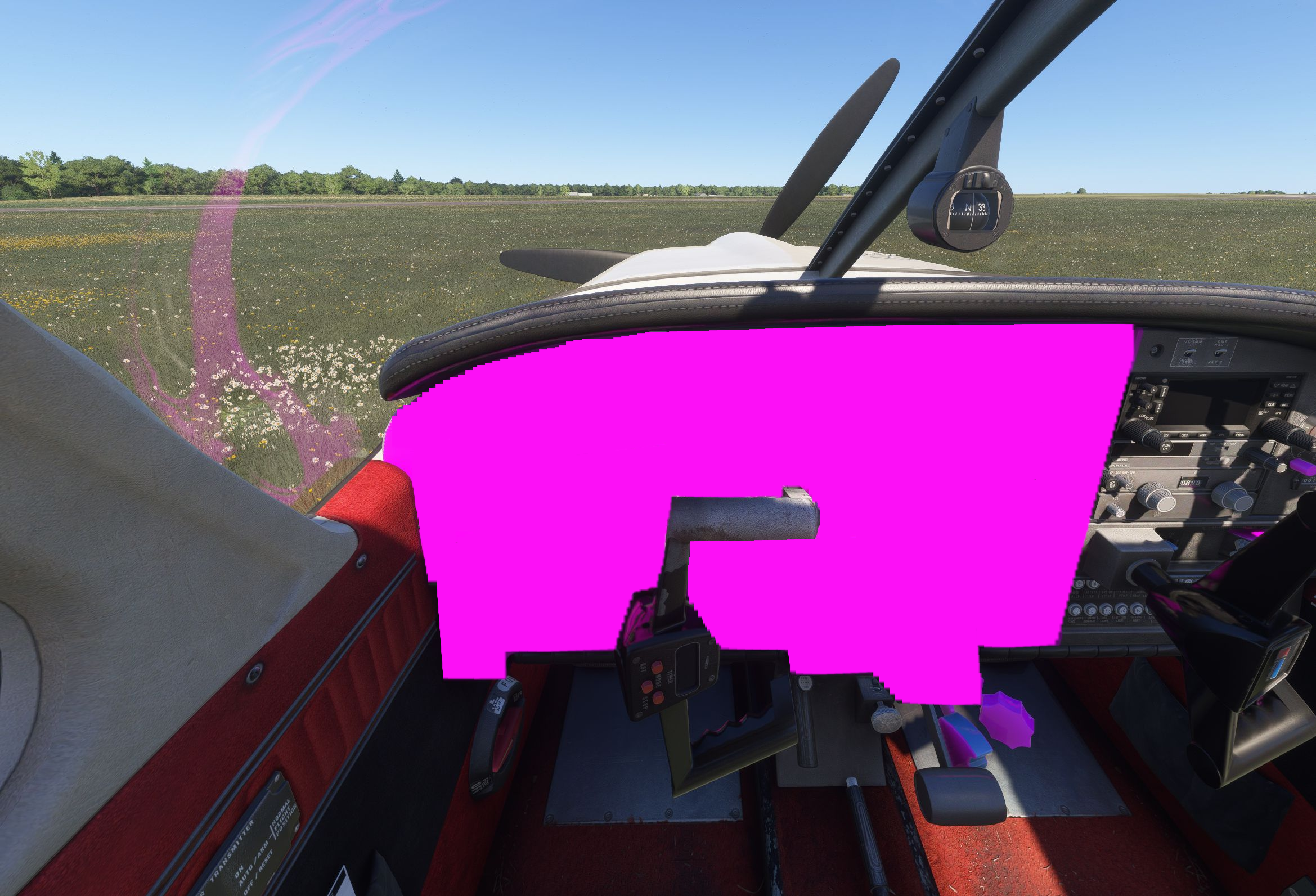
Well I'm looking for more help or pointing in a direction of someone who can, It sort of works but shadows change the chroma colour so this made me realise that shadows would need to be disable on the area displaying the chroma colour.
Secondly I need help or pointing in the right direction of removing all clocks / gauges and just having a flat panel like the above image.
