
BKSQ Baron Professional GNS530
-
I have just installed the Baron Pro in my sim and need to use the GNS530 so that it matches the hardware of my cockpit.
The user manual installation guide seems a bit vague and so I am uncertain how to swap out the GTN750 and display the GNS530.Can someone please point me to a detailed set of instruction about this?
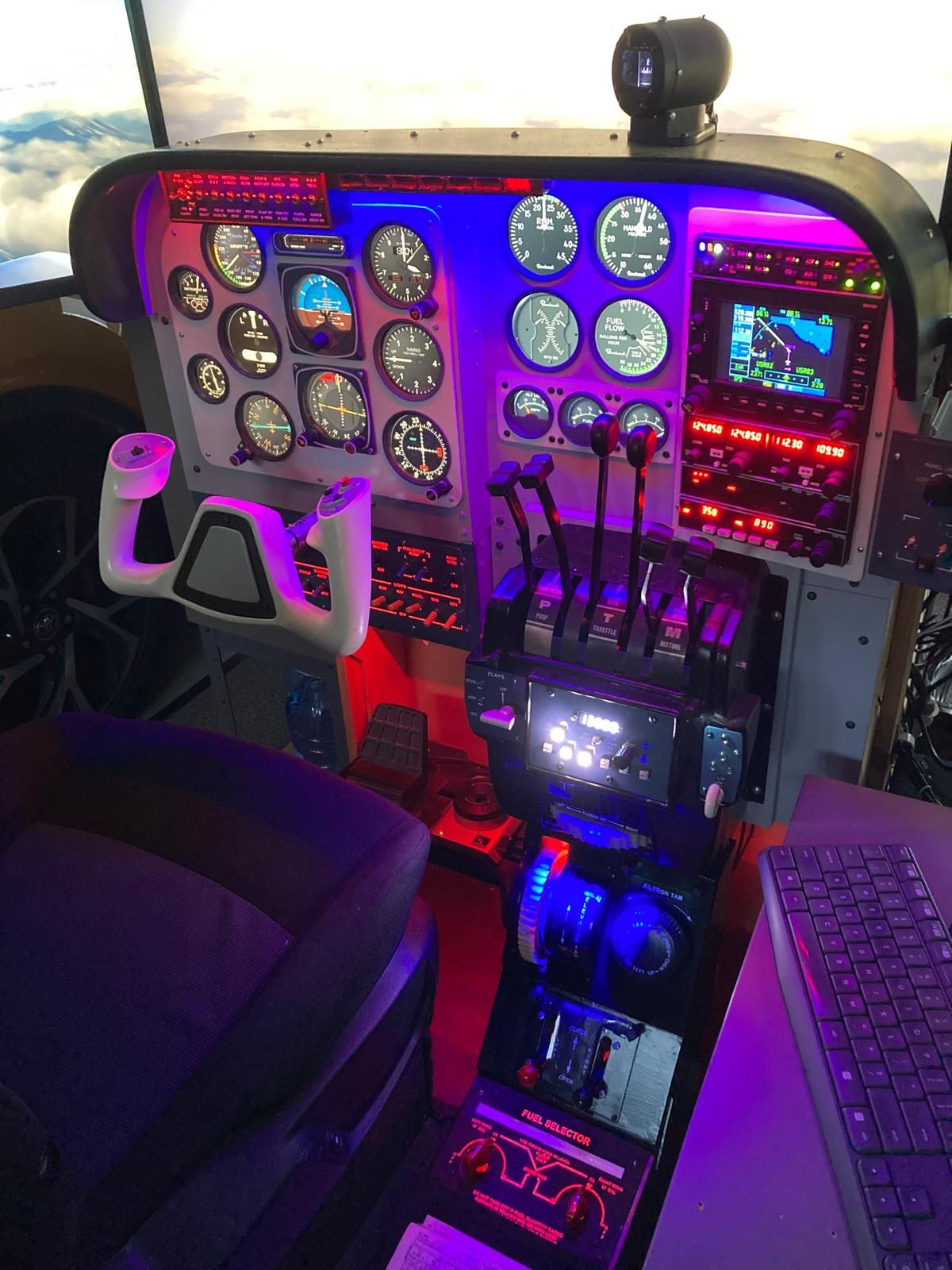
I want to pop it out and display it in my avionics stack as you see it in this photograph.
-
If you haven't found it yet, you make the swap via the Black Square EFB in the plane. On the page it opens to ("Options?" I don't recall for sure) you have the option to select your avionics. Just pick the configuration you need, and click "confirm" and wait a few seconds.
EDIT: Nice looking cockpit, by the way. Wish I had the space to do that... would probably be a King Air or Caravan.
-
@RPGamerous thanks for the EFB tip. It worked.
Space for the sim = 15m². By the time you allow space for access behind the panels it takes up half my double garage.
I was fortunate to be given the entire central control console from the Baron I used to fly 30 years ago. So I built my simpit around that OEM gear. -
@RPGamerous thanks for the EFB tip. It worked.
Space for the sim = 15m². By the time you allow space for access behind the panels it takes up half my double garage.
I was fortunate to be given the entire central control console from the Baron I used to fly 30 years ago. So I built my simpit around that OEM gear.@djw4250 That space usage is kind of a reality check for me lol... but what a cool base to build a simpit around.
